Obsolescence Guaranteed Newsletter
May 2026
Arpanet Reconstruction		|	New: Cased Enigma touch
PiDP-1: Major developments	|	PiDP-10: Stanford's WAITS OS
PiDP-11: Unix v4 and more		|	PiDP-8: Brand new software release
All PDPs: Blinky Explained
We're excited about the Arpanet Reconstruction project! 35 IMP routers, connected in the 1973 Arpanet topology, with the MIT and Stanford systems now online (link). Start looking for a spare home server to host this locally, and give your PiDP some friends to talk to! Work in progress but getting into the useful stage now.
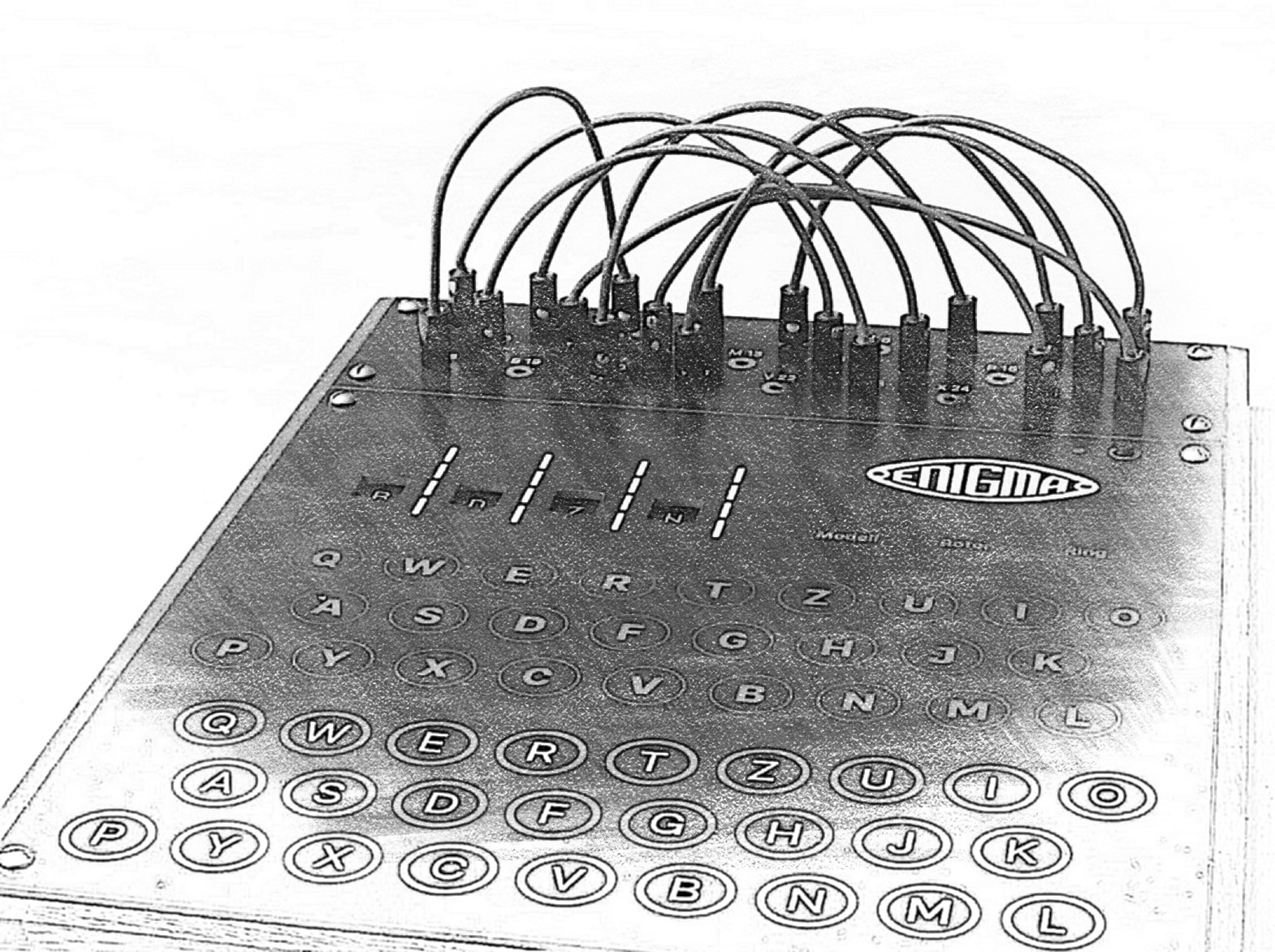
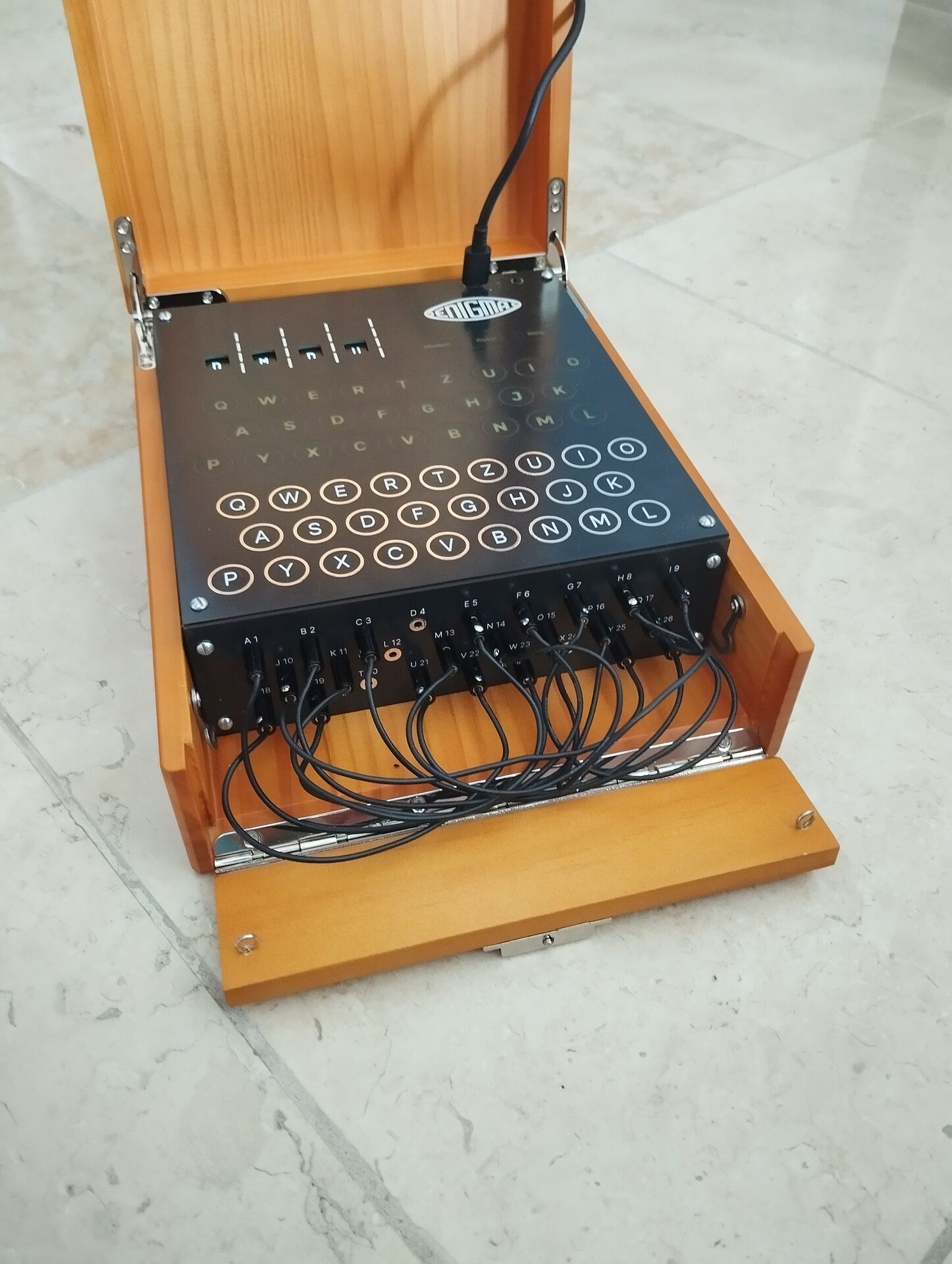
An addition to the family: the Enigma touch Cased. We found a friendly woodworking specialist who did truly amazing work.
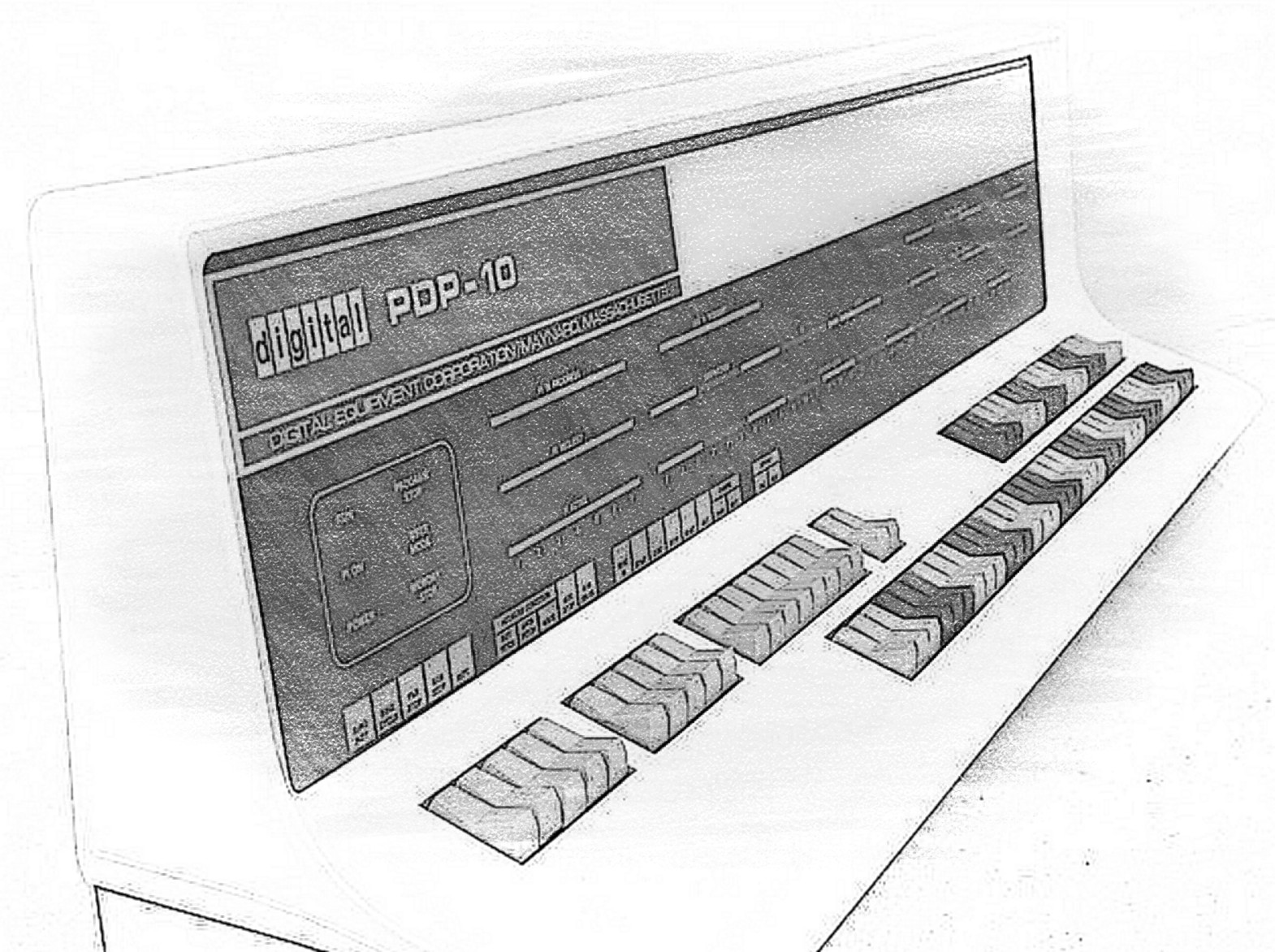
The PiDP-10 adds a new operating system: Stanford's WAITS. 600MB of data on the disks includes the Stanford NEWS service, frozen in time around Fall, 1974. Warning: the WAITS rabbit hole is almost as deep as ITS. And as yet, mostly unexplored! Spelunkers wanted.
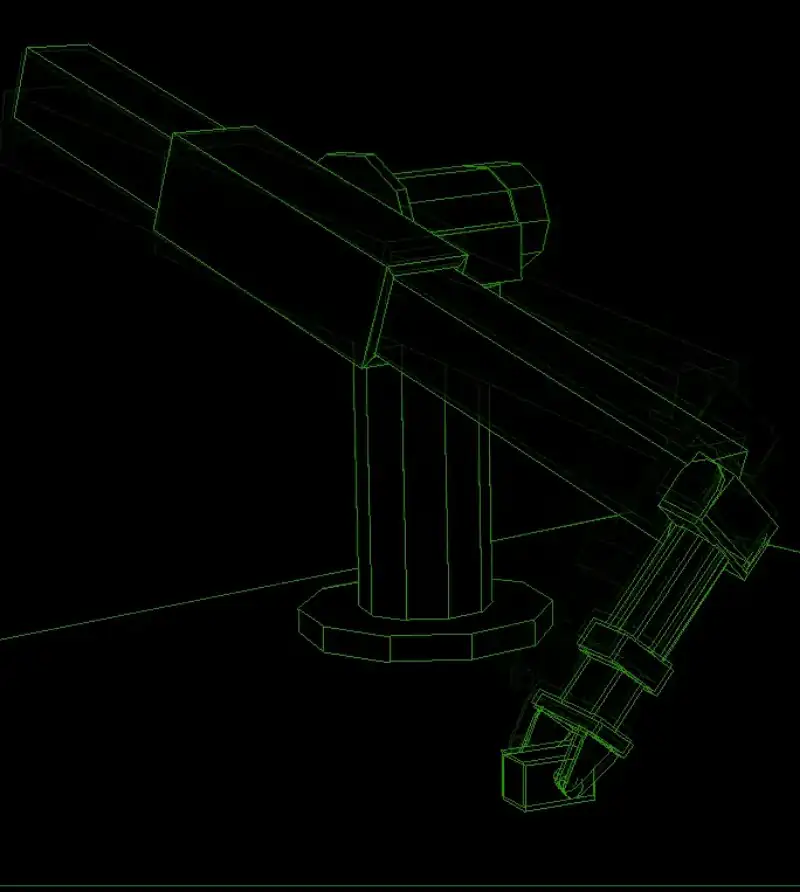
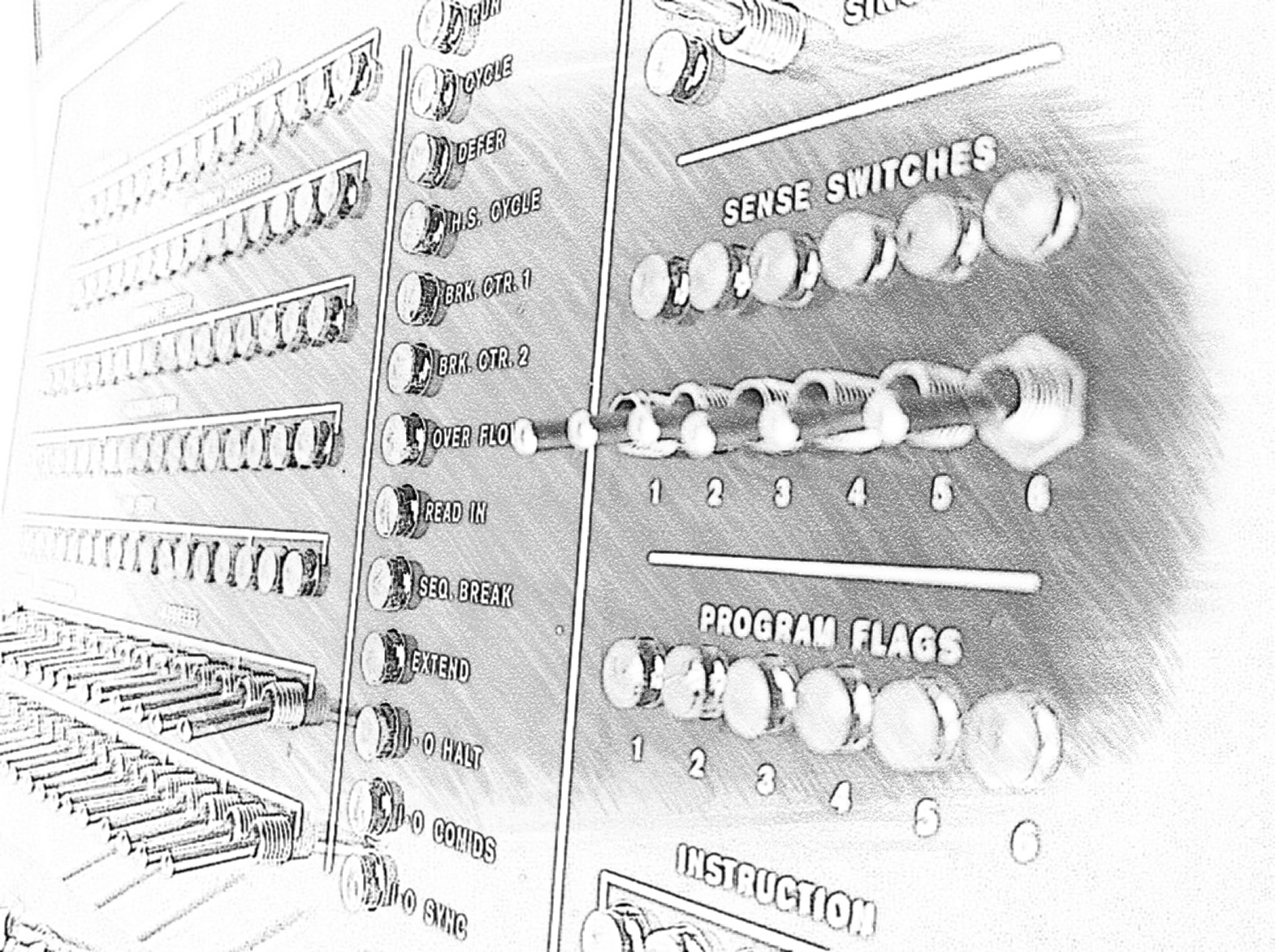
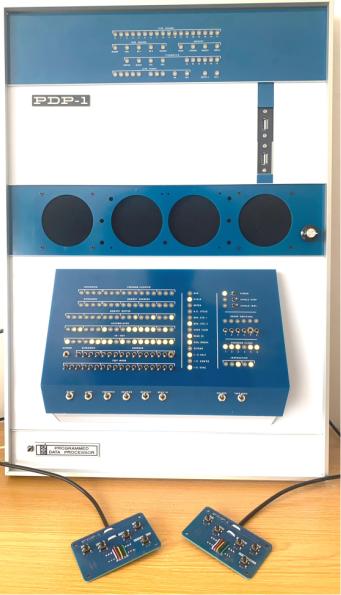
The first batch of the PiDP-1 has sprung up a lively community; some very impressive things have been done. Bill Ezell published pidp1-mods, expanding the basic PDP-1 with a massive amount of peripherals. Drum storage, light pen, Type 30 character display option and a hacker-friendly IO system to add whatever peripherals you like. Michael Gardi did a nice range of hardware Type 30 panels and wrote lunar lander as well as the graphics demo Fireworks. Well worth looking into for fun, and as programming examples.
If you want to support us: Obsolescence Guaranteed has grown into an informal group of computer history hobbyists. But the cost of keeping it all going has grown as well. If you enjoy computer history in hands-on replicas: the best support is to tell friends about us. It is hard to get the word out in today's overcommunicated world...
The Arpanet Reconstruction Project is getting real
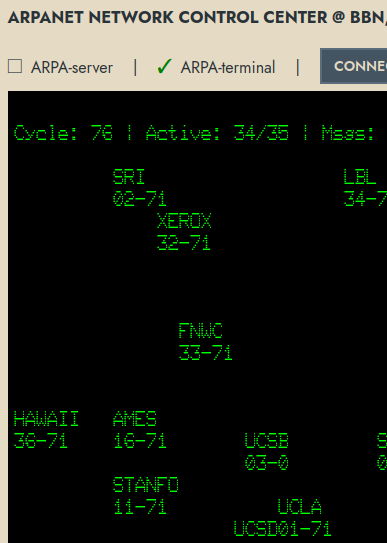
So much work has been done over the past years, that it was just waiting to be packaged up as a functioning Arpanet in a Box. It is work in progress, but it works fine already. The simulated IMP network has an uptime of 3 months at the time of writing! We wish we could say the same for the commercial VPN server that brings it out onto the internet...
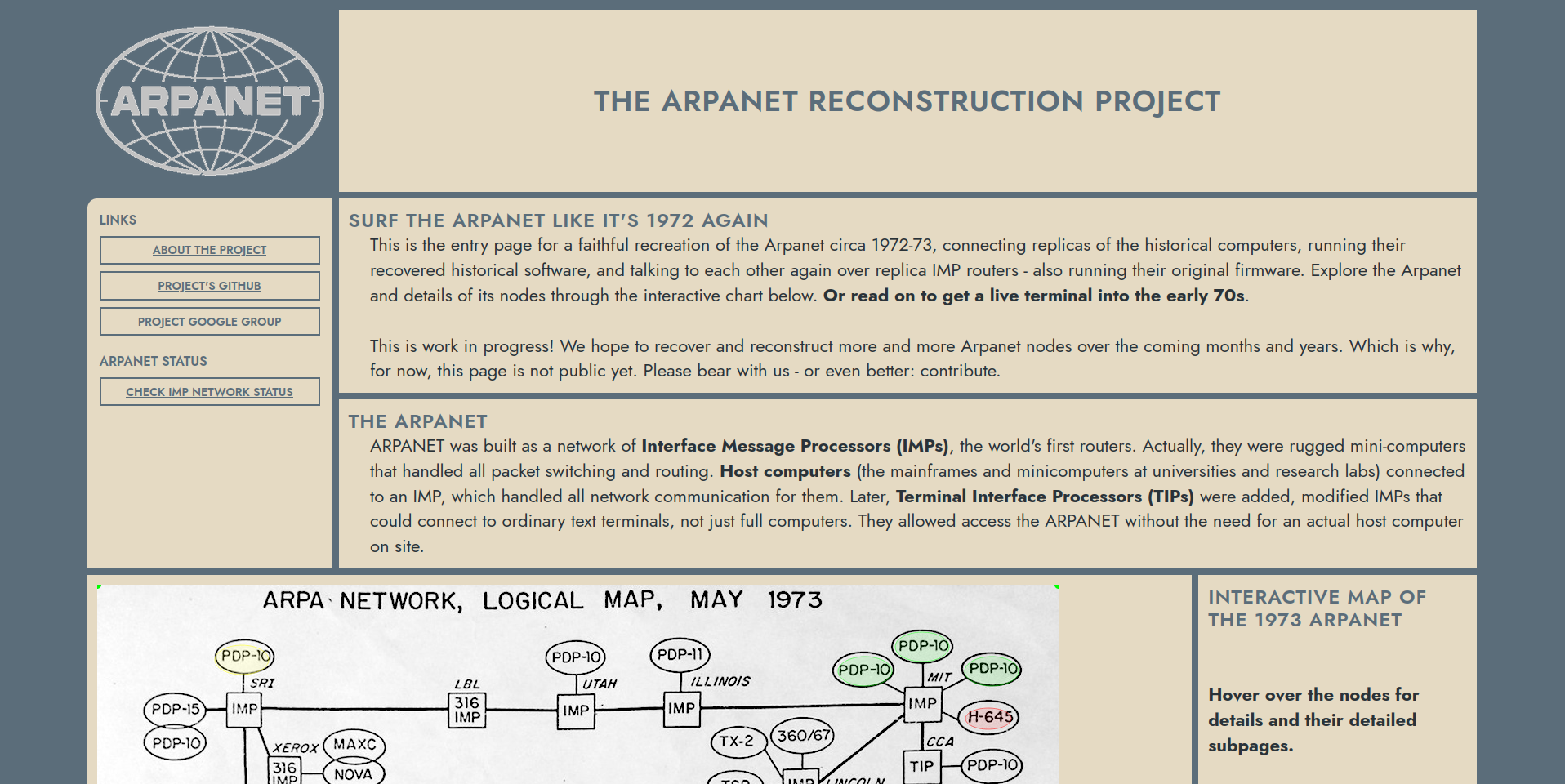
Visit the Arpanet Reconstruction online page, where we are working this into a theme for mainstream museum visitors: "You are at a terminal at the ICCC conference in October 1972, the breakthrough Arpanet event at the time. Relive what people saw and what they could do, and understand why they were so impressed". It is work in progress, but fully functional already. Slight limitation for now: the prototype web interface only allows 8 Arpanet surfers from the internet page at any time. Not the fault of the IMPs!
But that online version is just one angle into this project, intended to become a (multi-)museum exhibit. It's also downloadable on github, so you can have an Arpanet in a Box at home, running on a server or reasonably capable laptop, even.
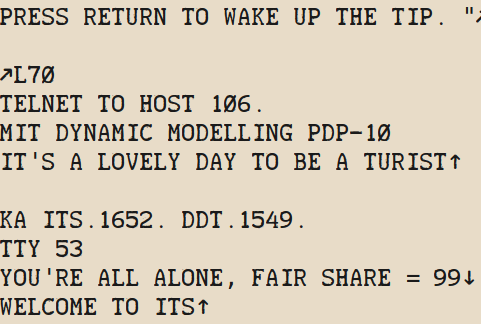
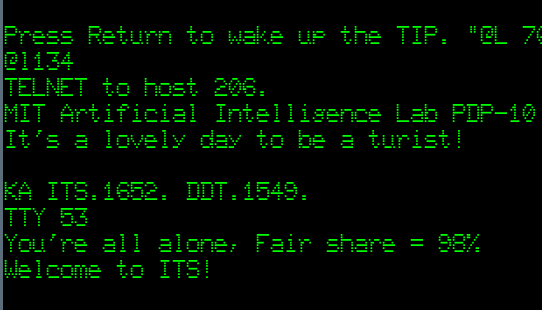
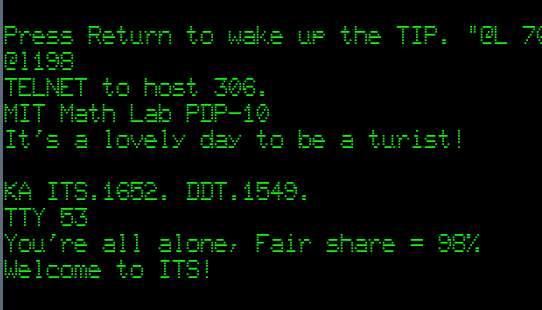
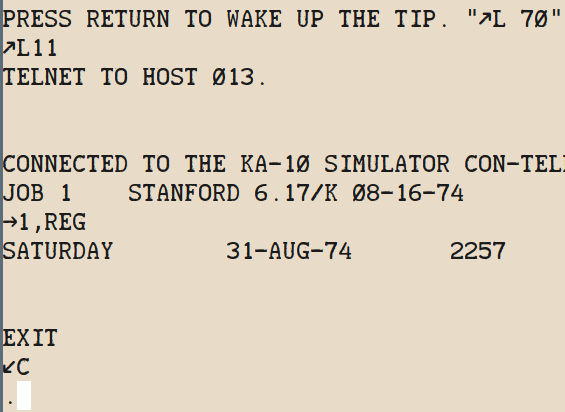
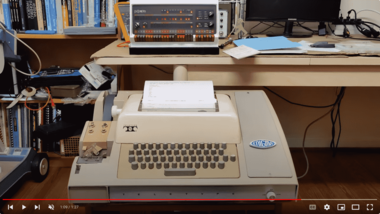
Log in with a TIP (Terminal IMP) to one of the 4 hosts that are currently accessible through VT-05 or clattering Teletype.
Mainframes and minicomputers get lonely sometimes, when all they have to talk to is simple micros. Many PiDPs suffer from this too, of course they don't know of their Matrix-like virtual existence on a Raspberry Pi. So, soon, any PiDP will be able to hook up to an IMP router and chat with MIT and Stanford systems. This feature is work in progress: it works but is a manual chore at the moment. Expect a lot more ease of use in a month or so.
Sub-projects are also afoot to add more Arpanet nodes. The two Multics machines might be added in the coming weeks; there is real hope to add customized TENEX nodes at BBN and Utah, Xerox and even SRI. And we hope to have UCLA's SDS Sigma 7 hooked up. Leonard Kleinrock suspects he has found the tapes from back then. A proper Sigma 7 as node 1 would be the absolute icing on the cake.
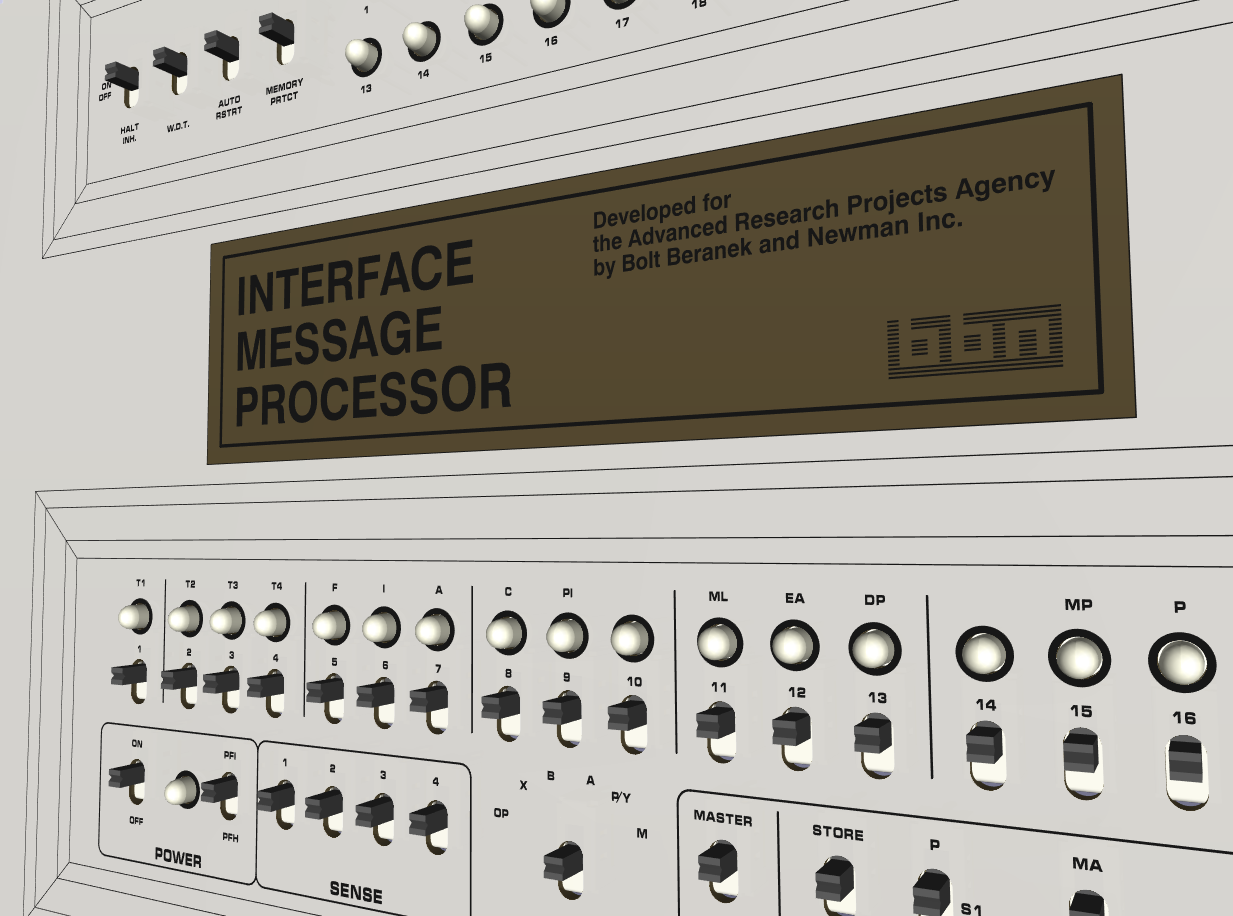
There will be a replica IMP to sit next to PiDP machines. We're figuring out the final parts choices with Kicad (3D render of current prototype). Of course, much as a PiDP is a simulator with hardware front panel, that is what will be done for the replica IMP (IMPi? πMP? It needs a name) too. For the Arpanet-in-a-box, you could take out one of the software-simulated IMPS, and replace it with a physical IMP. More news to come :-)
This is also a call for help. We want to do this well, and the task is somewhat huge. If you feel like participating, you're very welcome. Some suggestions:
- Arpanet research: See the buttons on the interactive Arpanet map. To drag these historical nodes out of abstract obscurity, we added dedicated subpages for each of them. But they're mostly empty for now. Arpa archaeologists could adopt a node and to dig deep for more information on each of them. There is a lot to tell. The stories of these nodes, the human-interest aspects. The longer we wait with this, the less people will still be around!
- Unix wizardry: to see if the Arpanet NCP subsystem can be brought up under unix v6 or (oh, we wish) even ported to v7. We know it could, with what has been preserved here (link). Lars Brinkhoff wrote a NCP daemon for Linux. So modern Linux systems now have no problem connecting to an IMP and join as a node on Arpanet... with his code, it would be feasible to write a new NCP for something like 2.11BSD or unix v7. Just that nobody is doing it yet!
- PDP-11 wizardry is also needed to bring ANTS and ELF back to life.
- A PDP-1 did a lot of monitoring at the NCC - BBN's Network Control Center. We have the data flow coming through the IMP #5 firmware to its host 0. Instead of the current Linux program acting as Host 0, it should be a PiDP-1 with the well-documented specs BBN left us. But the PDP-1 NCC code is lost; it needs to be rewritten...
So what do we have, that makes us claim there is a living Arpanet recreation already? More than you might think:
- 35 interconnected simh316 IMP simulators running the 1973 IMP firmware well and stable
- and it really works as it used to: data gets rerouted if we cut a connection, and they all report back to the Network Control Center IMP #5 every 10 seconds
- Recreated disk images for the three MIT machines; the ITS NCP codeindeed connects through the simulated interface hardware, to its IMP
- The Stanford SAIL system is a shapshot from 1974 with 600MB of preserved data on it - you'll find it largely as if you were a student at the time. Alas, the original WAITS NCP code is unwilling to connect for now. So we do what many Arpanet nodes did circa 1973: put a little front-end machine between a terminal port of the main machine and the IMP. The end result is indistinguishable for visitors of the node. But of course, we want the WAITS' own NCP to take over at some point.
The Enigma touch gets a Cased version
Jürgen Müller finished his very atmospheric Enigma replica last year in flat-panel form, intended as a handheld tablet and/or put on a wall.
Now, we found a great woodworking shop to make the Enigma in its original form factor: the wooden case. A lot of love went into this! You might not notice from the pictures, but lots of effort went into replicating some of the case attributes.
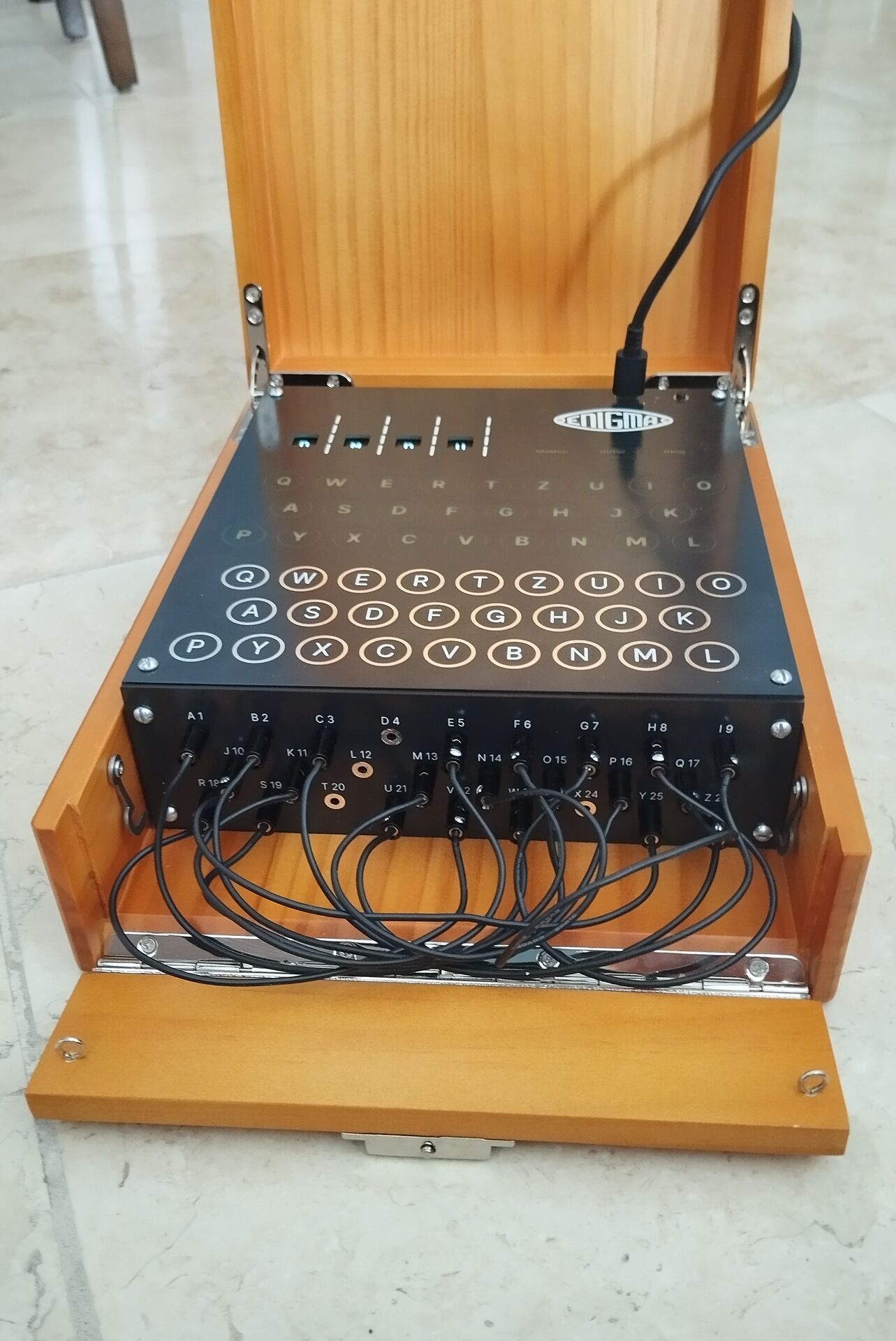
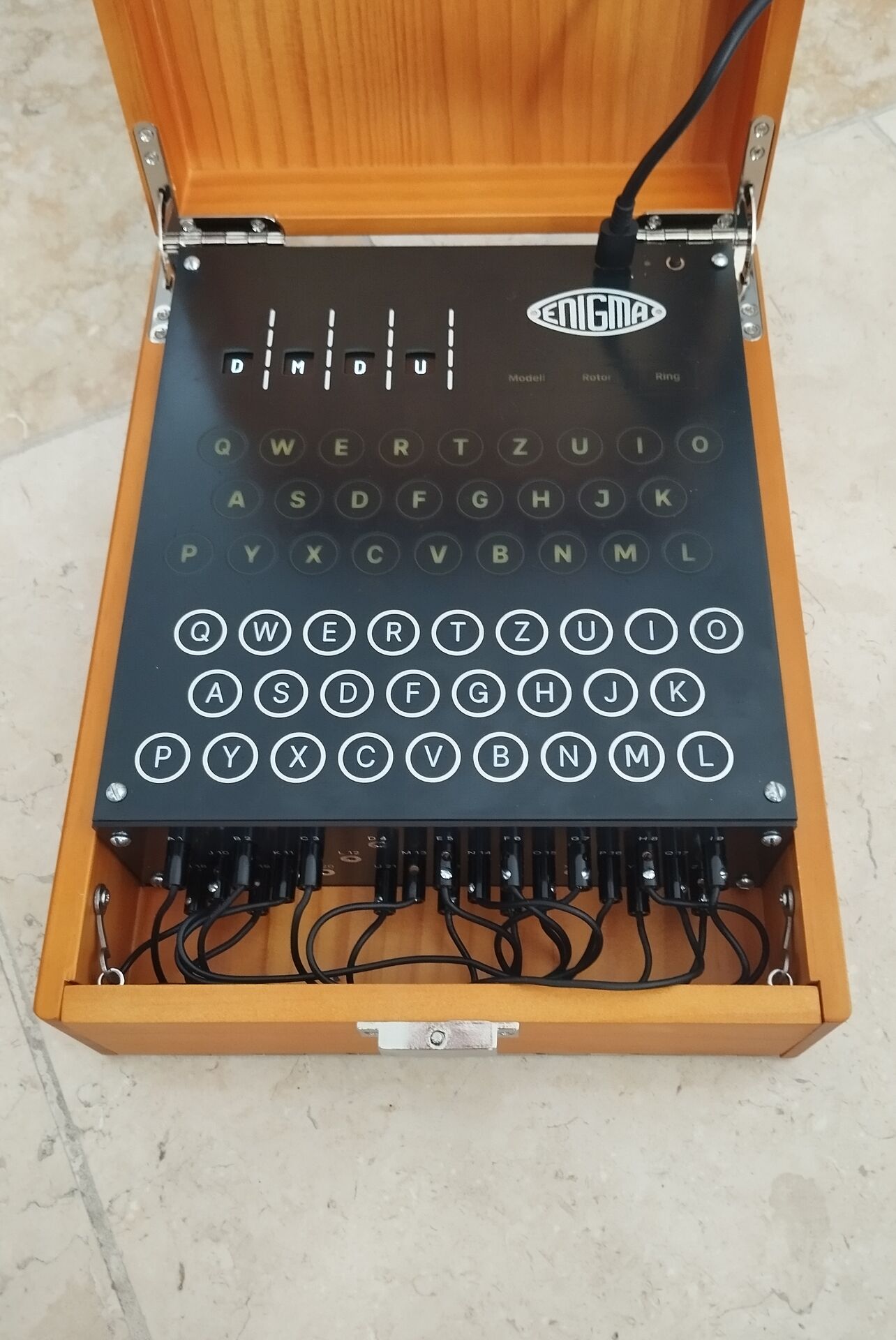
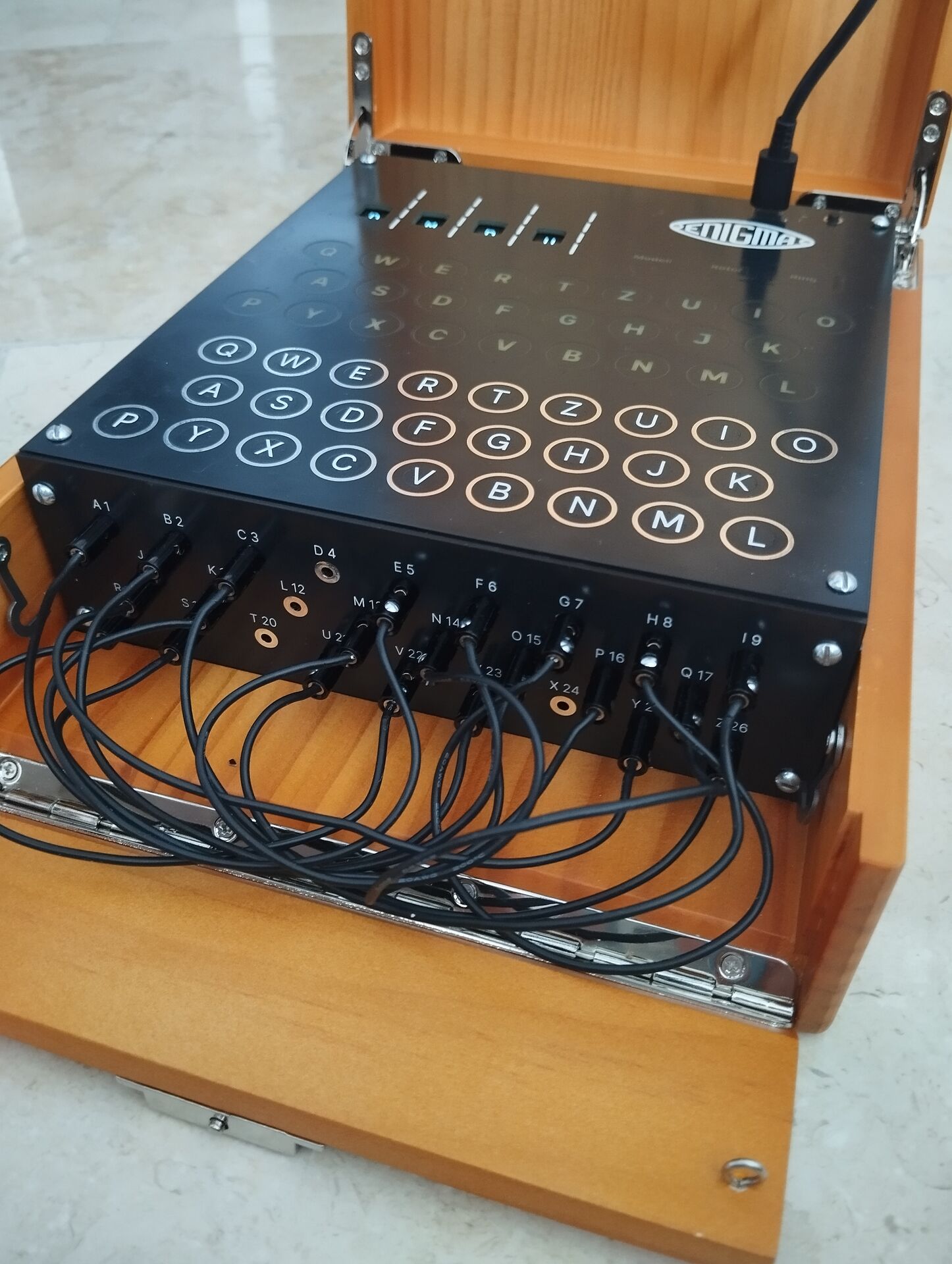

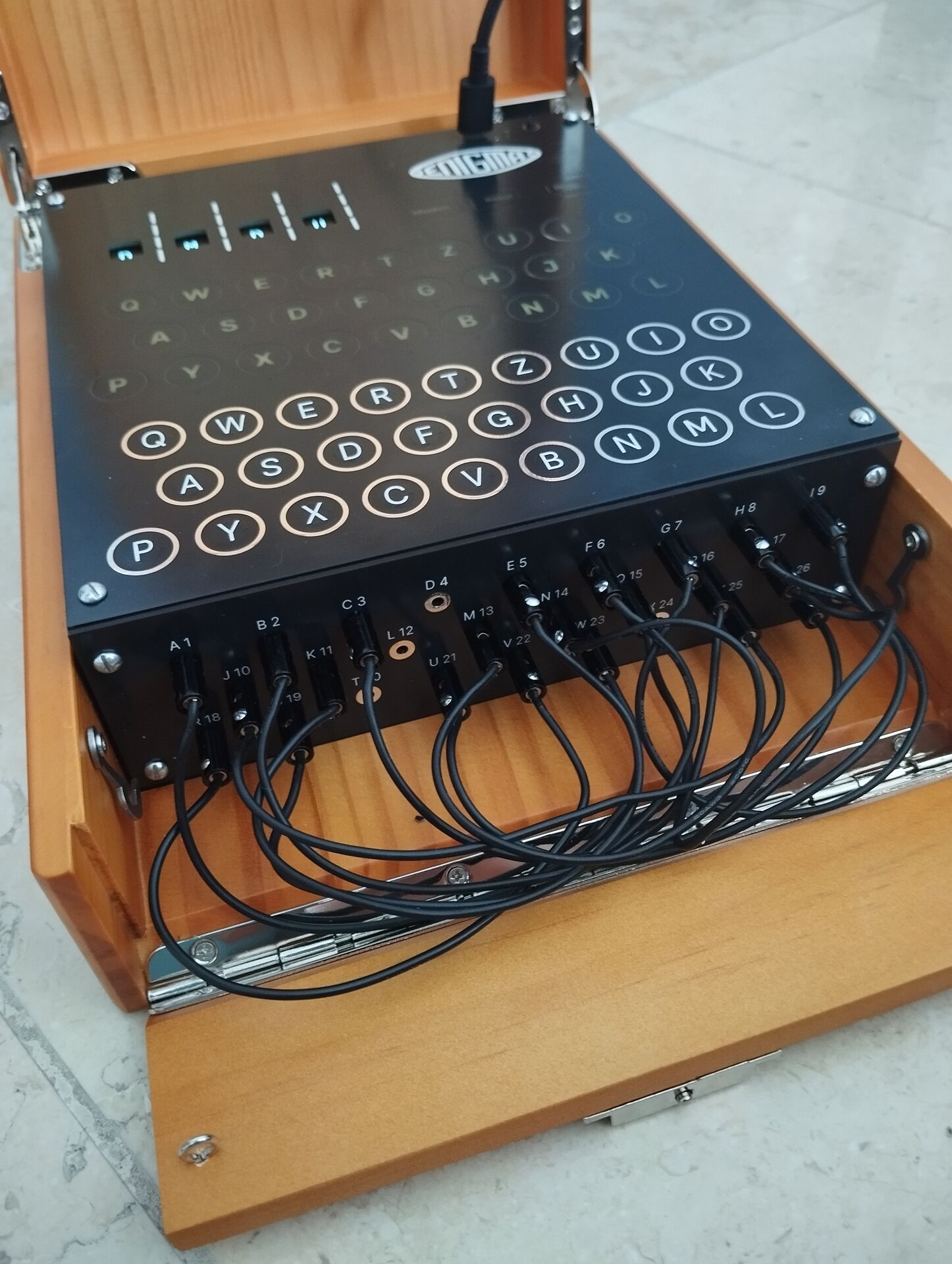
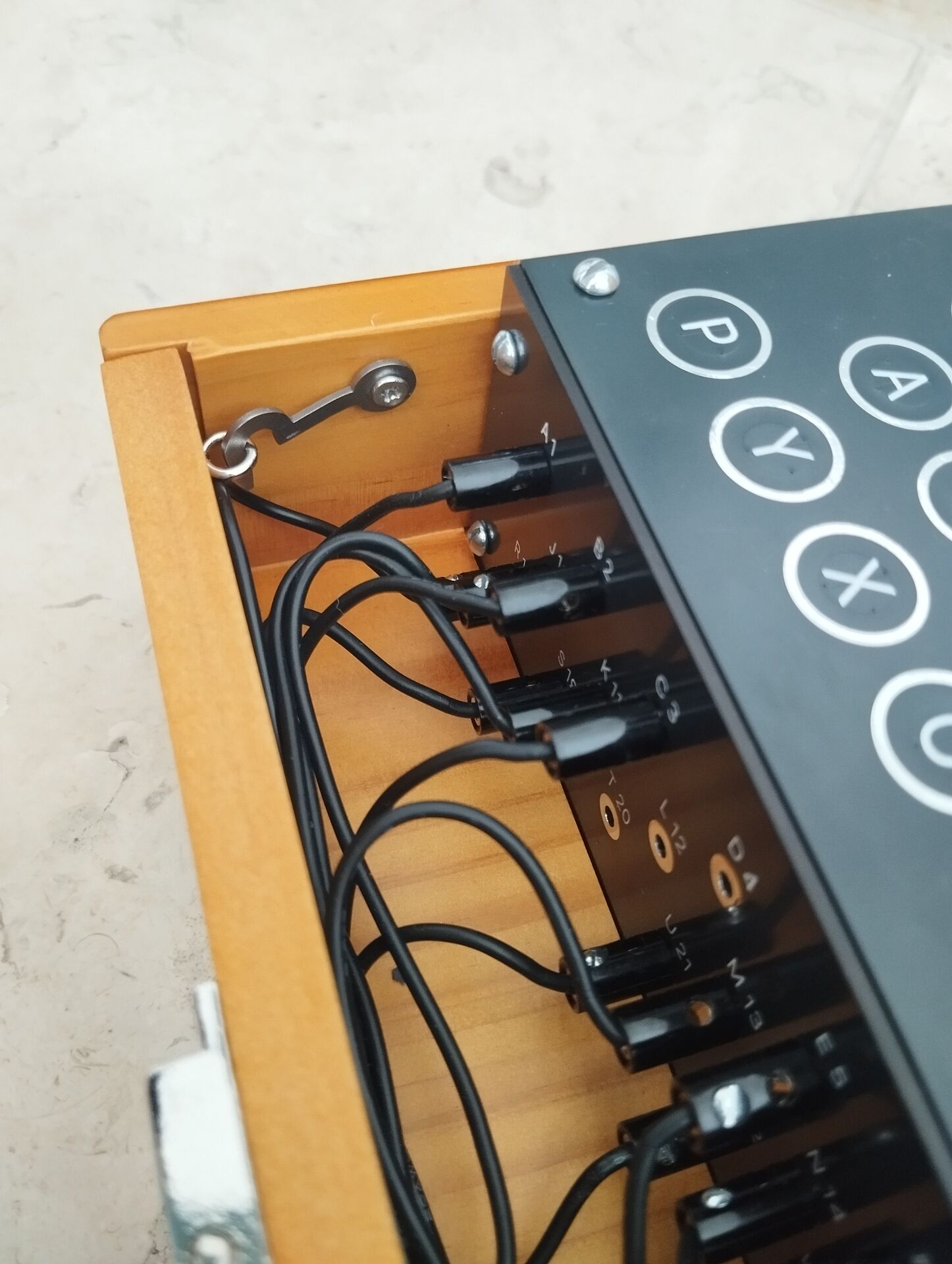
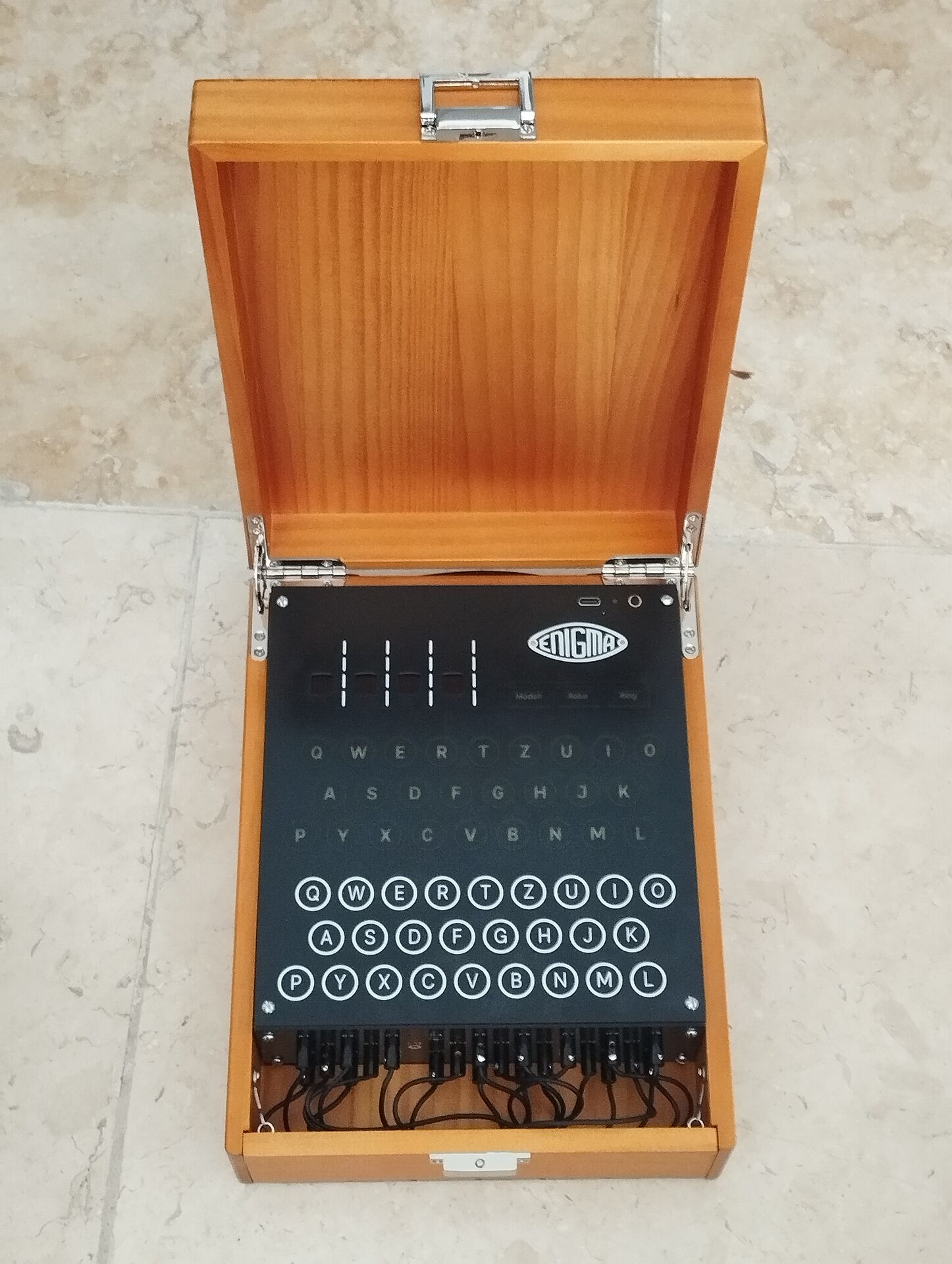
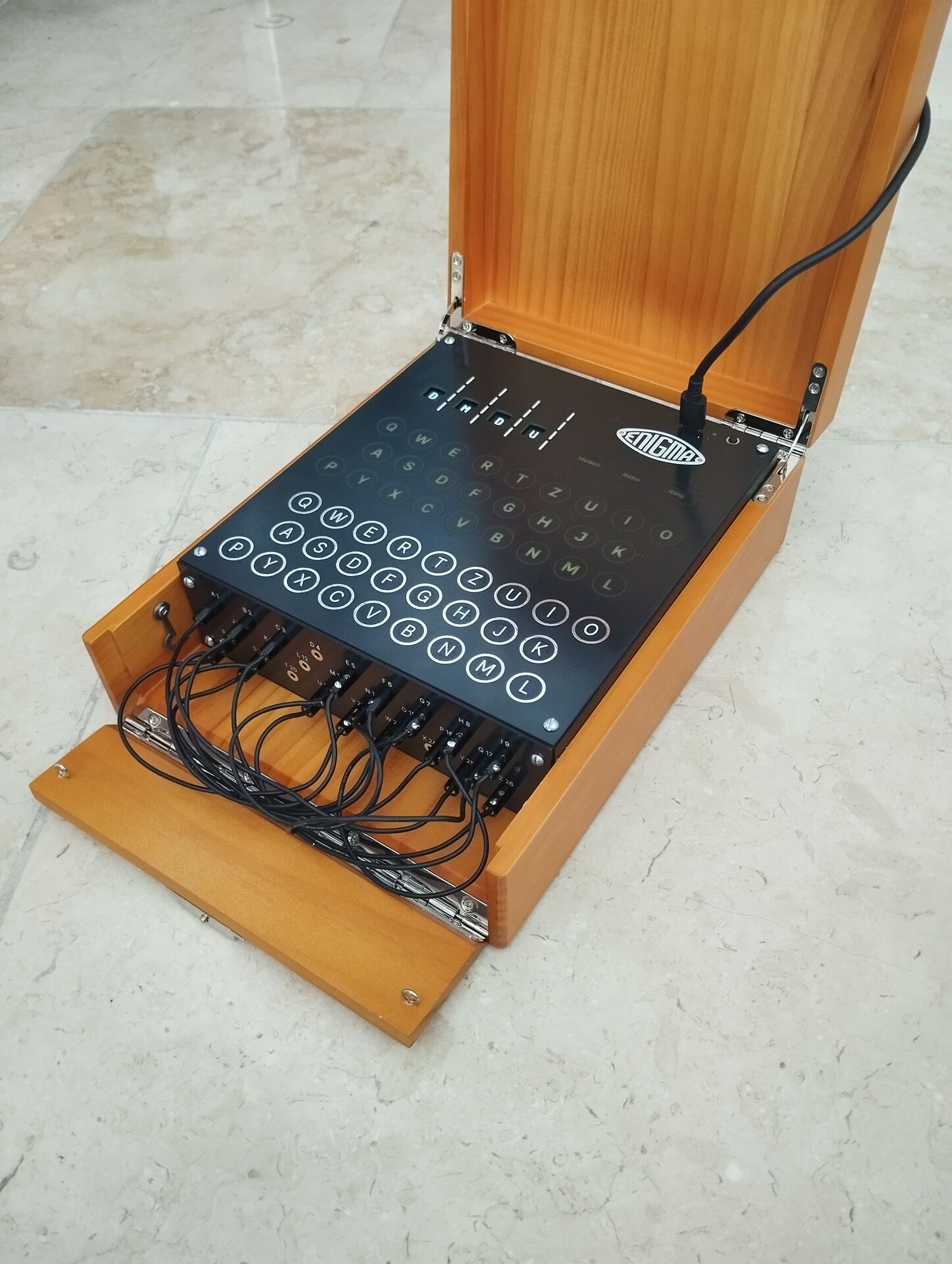
 Above: Click for Youtube - The Enigma touch at Bletchley Park
PiDP-1: Some big developments
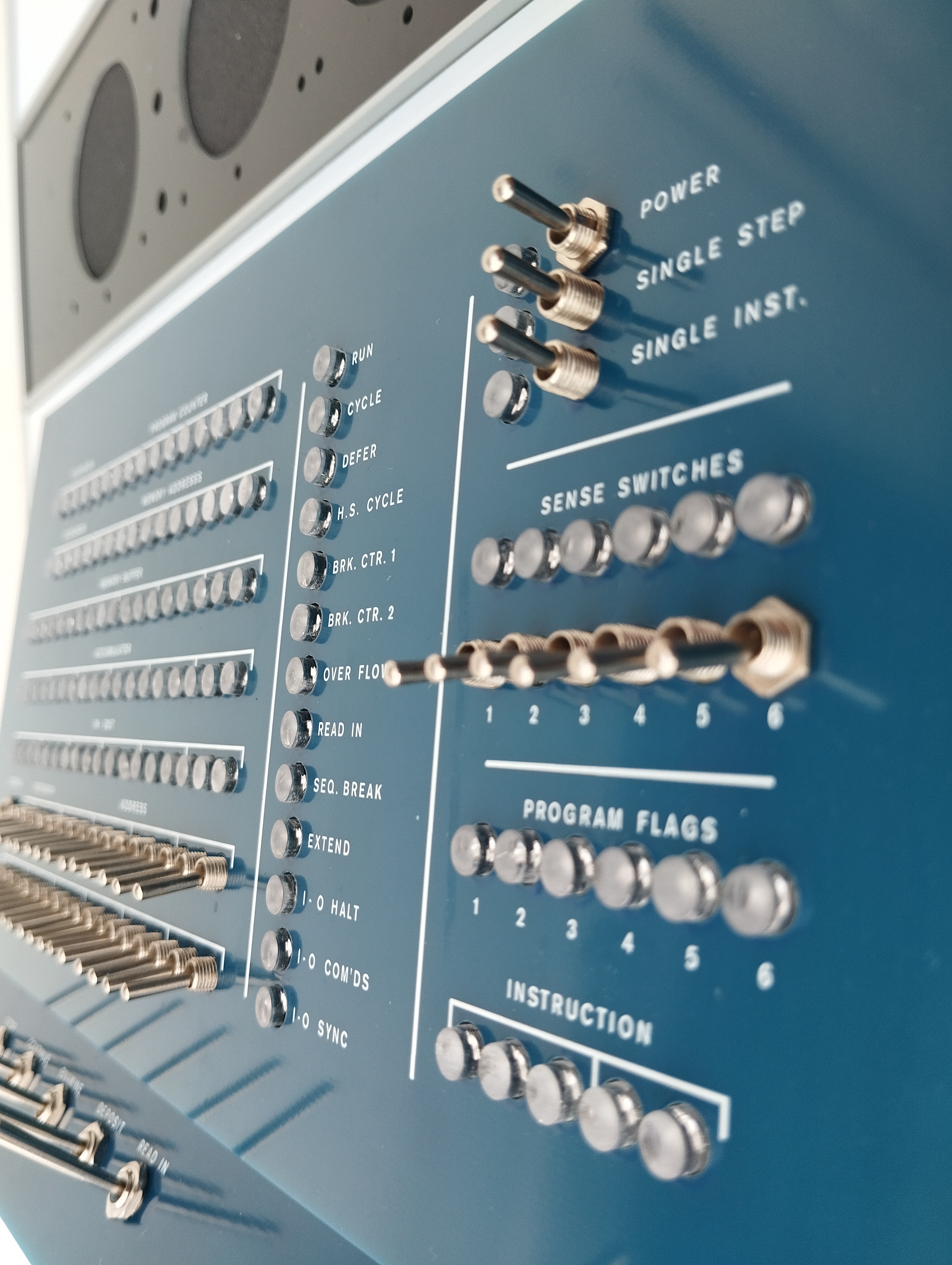
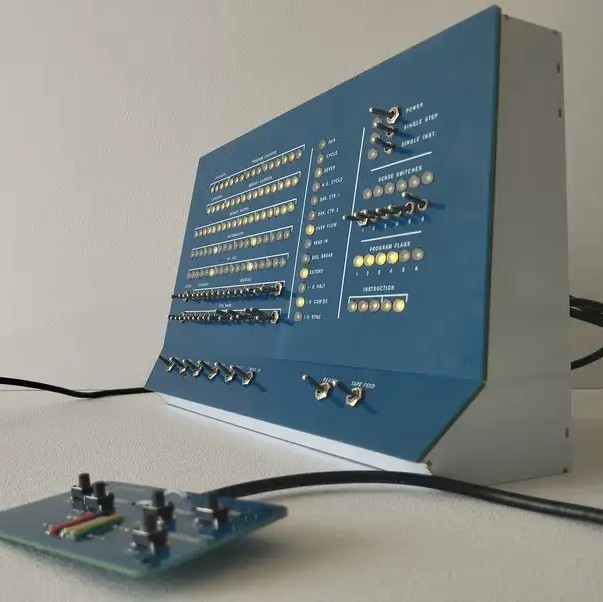
The PiDP-1 project began almost four years ago, and finally saw the light late last year.
In case you are new to The One:
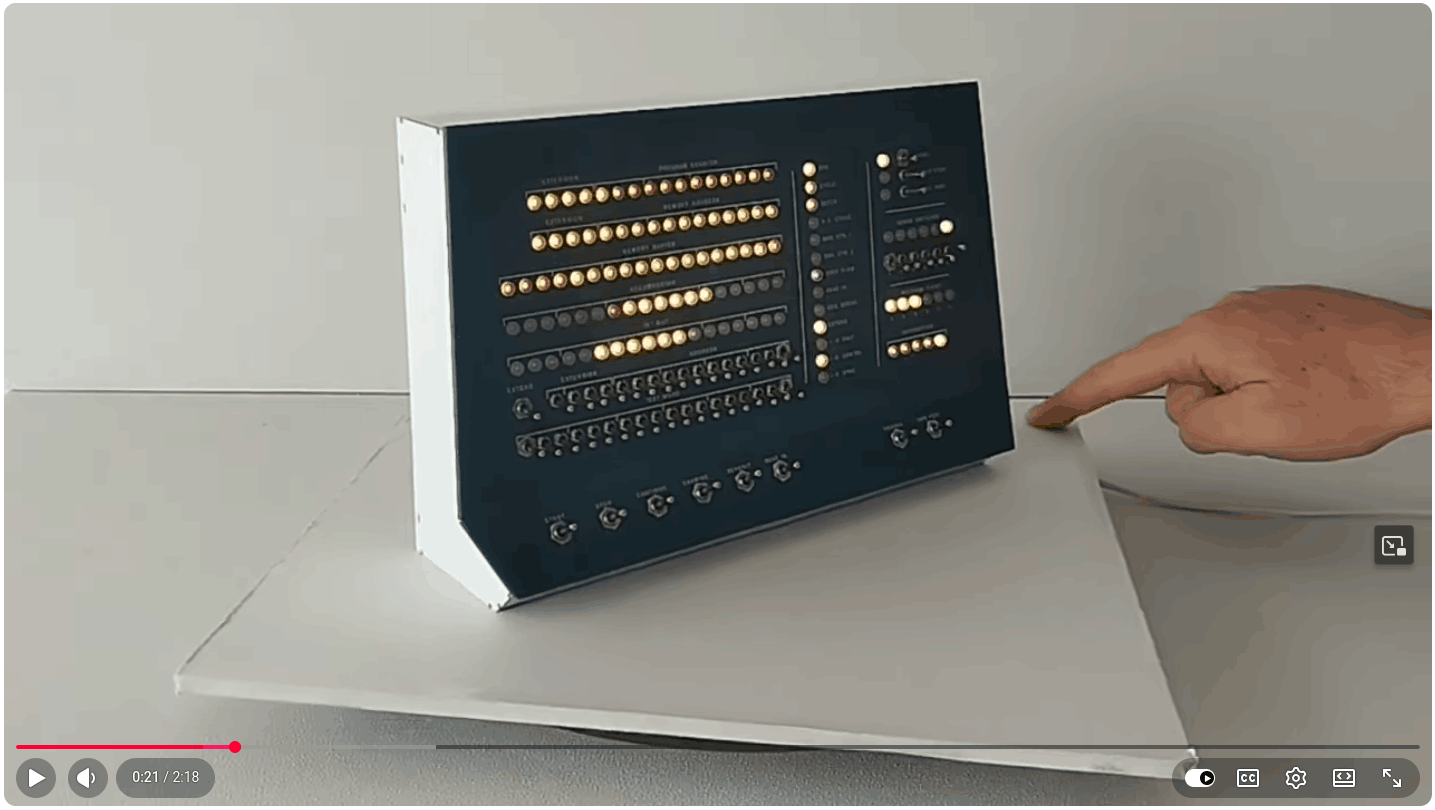
Youtube (click): PiDP-1 Console up close
Youtube: Using front panel & DDT
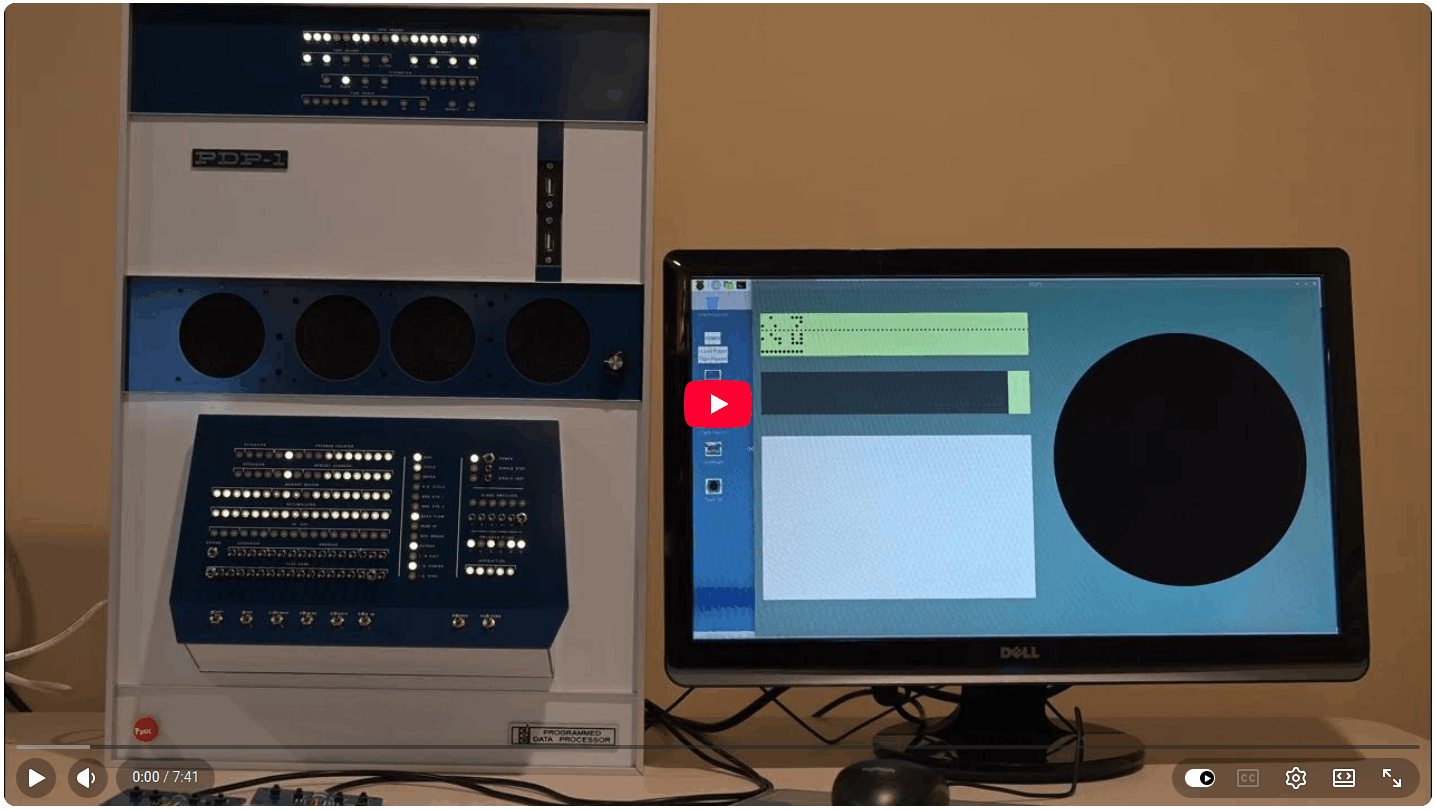
Youtube: Harmony Music Compiler
But then, the major news: Over the past few months, Bill Ezell's pidp1-mods has added light pen support, the character display option for the Type 30. And crucially: the magnetic drum storage and an I/O setup that brings in the possibility to tie in all sorts of modern I2C devices as PDP-1 controlled hardware. Visit the github page for more information: Github page: pidp1-mods
You can elegantly add Bill's pidp1-mods with the following steps. It will leave the original pidp1 package undisturbed, just run /opt/pidp1/install/install.sh again to bring that back as the default.
cd /opt
sudo git clone --depth 1 https://github.com/wjenh/pidp1-mods.git
cd /opt/pidp1-mods/install
./install.sh
We will add a page to the PiDP-1 manual soon, to explain all the features this massive update brings to the PiDP-1. But in the mean time, some revelatory eye candy:
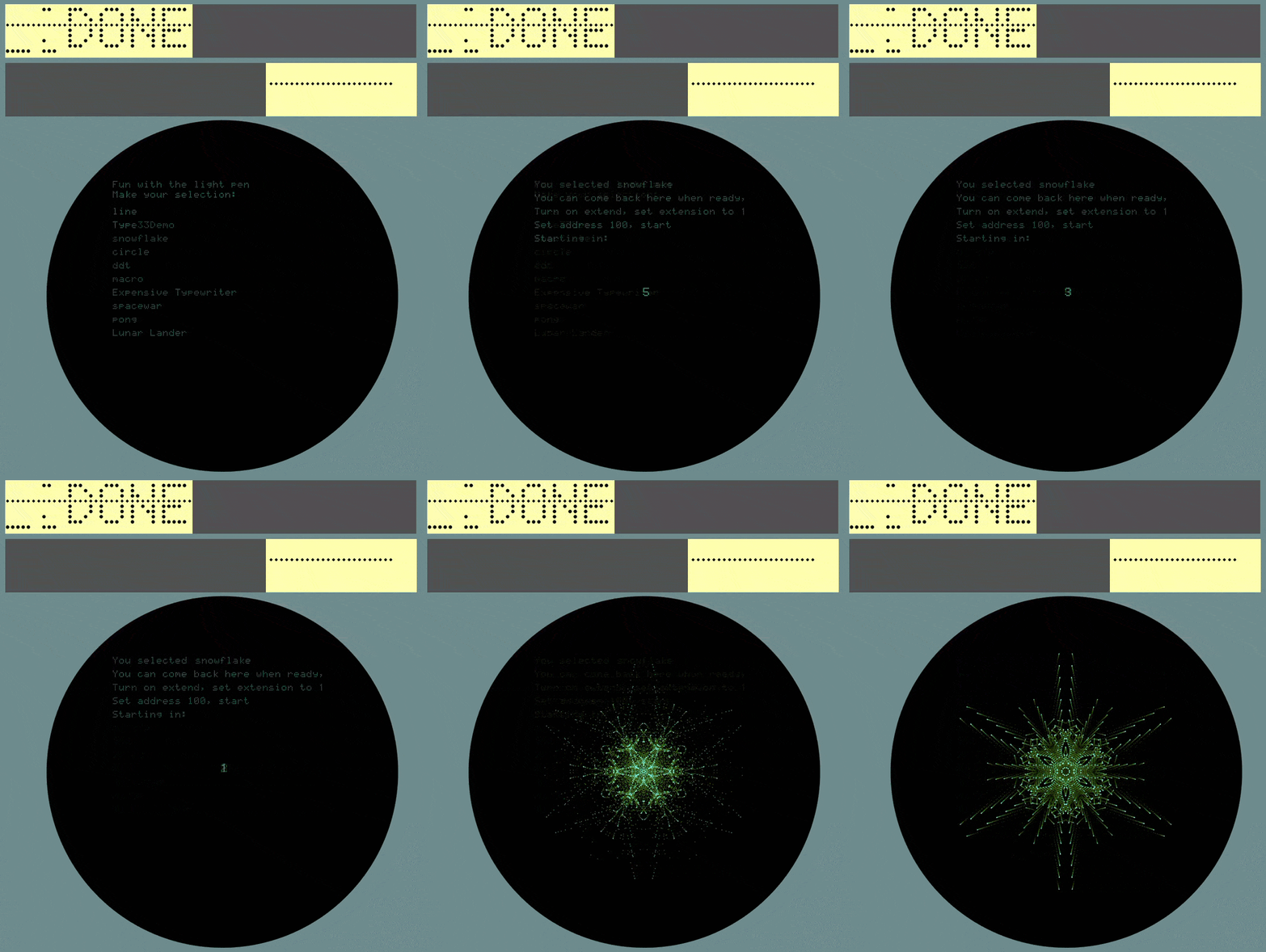
Load /opt/pidp1-mods/FunStuff/programSelector.rim and press ReadIn. The Type 30 will display a list of all the programs stored on the new drum storage device. Click the mouse on a line to load and start the selected program. Now, explore the other demo paper tapes in that directory.
Bill also added a new cross-assembler to the (rapidly growing, dare we say!) inventory of PDP-1 assemblers. AM1 documentation can be found in the Docs directory. Where the other cross-assemblers keep in style with the original MACRO assembler from the 60s, AM1 adds a lot of modern creature comforts to assembly coding on the PDP-1. As mentioned, we will add a more complete overview to the PDP-1 manual pages soon. There is a lot to discover.
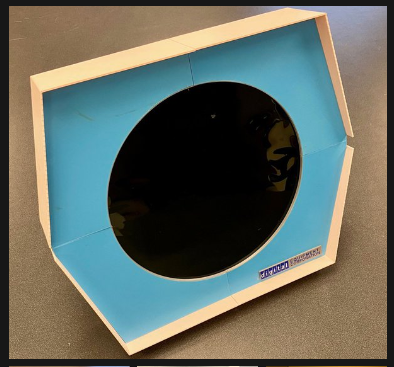
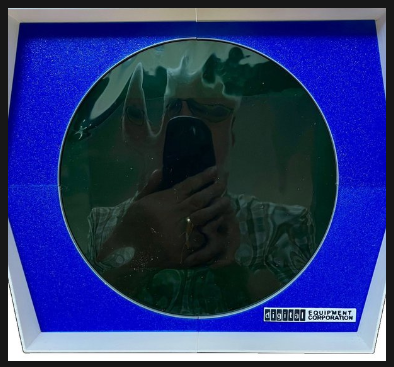
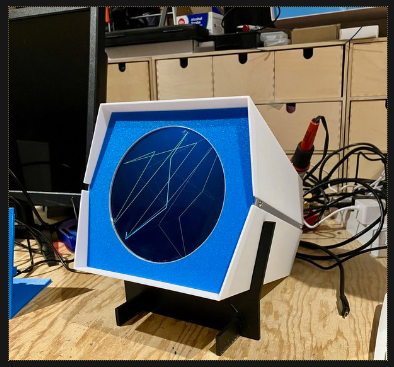
Michael Gardi worked on elegant Type 30 display tube cases, and published his recipes on hackaday. Click the images below to visit the project pages:
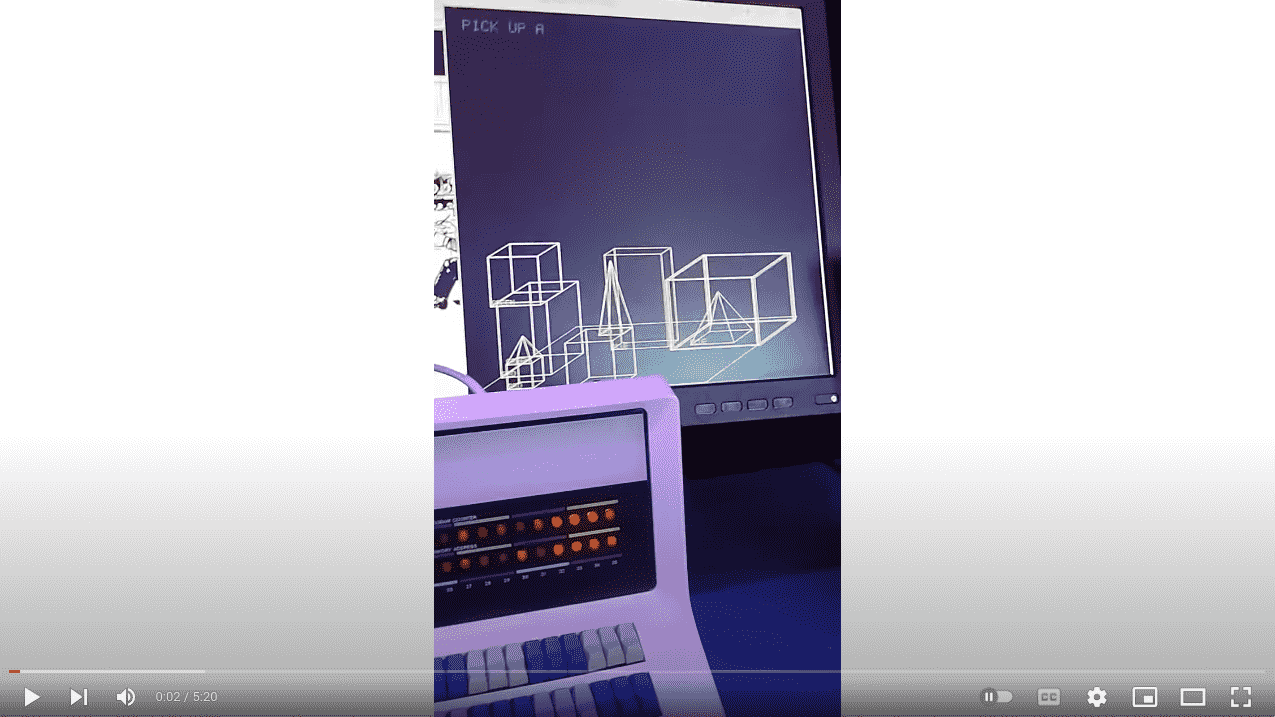
Michael then delivered a software masterpiece: Lunar Lander on the PDP-1. Lunar Lander, of course, was a terminal text game originally, and a graphics version on the PDP-11 caused a furore at the time. To see this ported back to the grandfather of the PDP range is historically correct democoding at its best. Even more astonishing is that Michael wrote this straight in MACRO format, using the macro1 cross assembler and nothing more. It took him 5 weeks. We're not sure to say 'just 5 weeks' or '5 whole weeks'. It depends on how you look at it. Click on the images to visit his project page, his development blogs are extremely useful if you start coding for the One. Running the game is as simple as loading the .rim file into the PiDP-1.
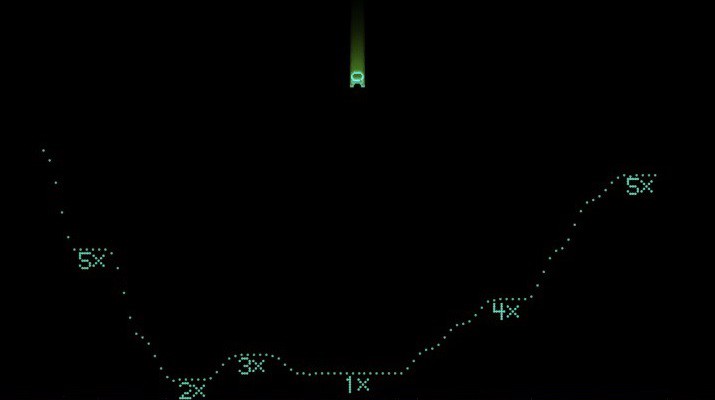
Lunar Lander, and to the right: the bonus Fireworks demo
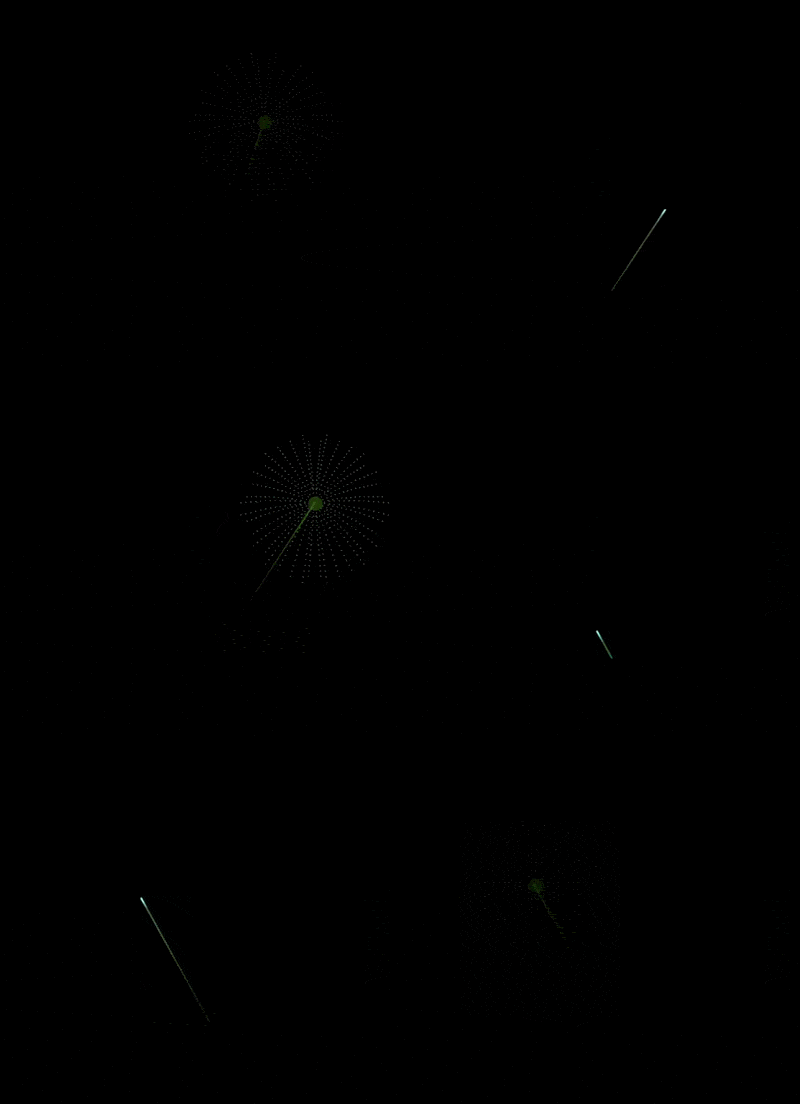
There is a little bit of news overload on the PiDP-1. Which is a good thing, of course.

Angelo Papenhoff added a light pen feature as well as the Type 30's character display option to the standard pidp1 software package. So update to get those features. As the rest of the pidp1 simulator, this emulates at the circuit level, so should be extremely compatible with the real machine. He also wrote a new cross-assembler, Monas, that can deal with more than the base 4K words of memory (you can go up all the way to 64KW of course). And a Forth (another beautifully correct historical backport!) is, apologies, Forthcoming.
Dealing with the proliferation of PDP-1 goodness: we foresee that we'll keep a dual-software setup for the PiDP-1. So users can quickly switch between setups like the 'base' /opt/pidp1 and the 'extended' /opt/pidp1-mods. we'll soon add a switch feature that lets you flip between them. The PDP-1 was the ultimate hacker machine after all, and hacking is nurtured more by having different versions evolve freely, rather than forcing everything back to a monolithic software package. For now, interpret as follows: Bill Ezell's pidp1-mods is close to being the Lawrence Livermore PDP-1 (i.e., fully equipped). Angelo Papenhoff's version is closer to the CHM's working PDP-1. Meaning it is - must be, should be - the platform on which you can make sure that if your code runs on that, it will run on CHM's PDP-1. But expect more to come from all sides :-)
Paleogaming: a ridiculous word with which we mean that we will add an extension to the PiDP-1. It will gives it a whole computer room full of antique computers to control.
Using pidp1-mods as the base, we'll extend the Selector demo so it can not only boot up any PDP-1 program from its drum storage, but it can also start up an Edsac, Whirlwind, PDP-7/10/8/11 and more to let you run pretty much any important computer game from before the onset of microprocessors.
Paleogaming will be a gadget mode, yes, but kept separate from the authentic PDP-1 simulation. And will serve as our repository of all ancient games that have been recovered over the years. PDP-1 Spacewar might be the grandfather of all computer video games, but these are among the ones that the PiDP-1 will boot up, ready to play, within seconds:
Whirlwind;	Tic-Tac-Toe; 		1950; Graphics
Edsac;		OXO;				1952; Graphics
TX-0; 		Mouse-in-the-Maze;1959; Graphics
PDP-1; 		Spacewar; 			1962; Graphics
PDP-1; 		Dual-Disply Spcwar;1963, Graphics
PDP-1; 		Pong; 				2019; Graphics
PDP-1; 		Lunar Lander; 		2025; Graphics
PDP-10; 	Spacewar; 			1966; Graphics
PDP-10; 	Maze War; 			1974; Graphics
PDP-10; 	Adventure;			1975; Terminal
PDP-10; 	Advent350;			1975; Terminal
PDP-10; 	Advent448;			1975; Terminal
PDP-10; 	Zork;				1977; Terminal
PDP-10; 	Chess Mac Hack; 	1966; Graphics
PDP-10; 	ITSter (tetris);		2002; Terminal
PDP-10; 	Checkers; 			1970; Terminal
PDP-11; 	Lunar Lander; 		1973; Graphics
PDP-10; 	Dazzle Dart; 		1976; Graphics
PDP-11; 	Pacman; 			1981; Terminal
PDP-11; 	Space Invaders; 	1981; Terminal
PDP-8; 		Adventure;			1979; Terminal
PDP-8; 		Lunar Lander, 		1969; Terminal
PDP-8; 		CHEKMO-II Chess; 	1970; Terminal
PDP-7; 		Space Travel; 		1969; Graphics
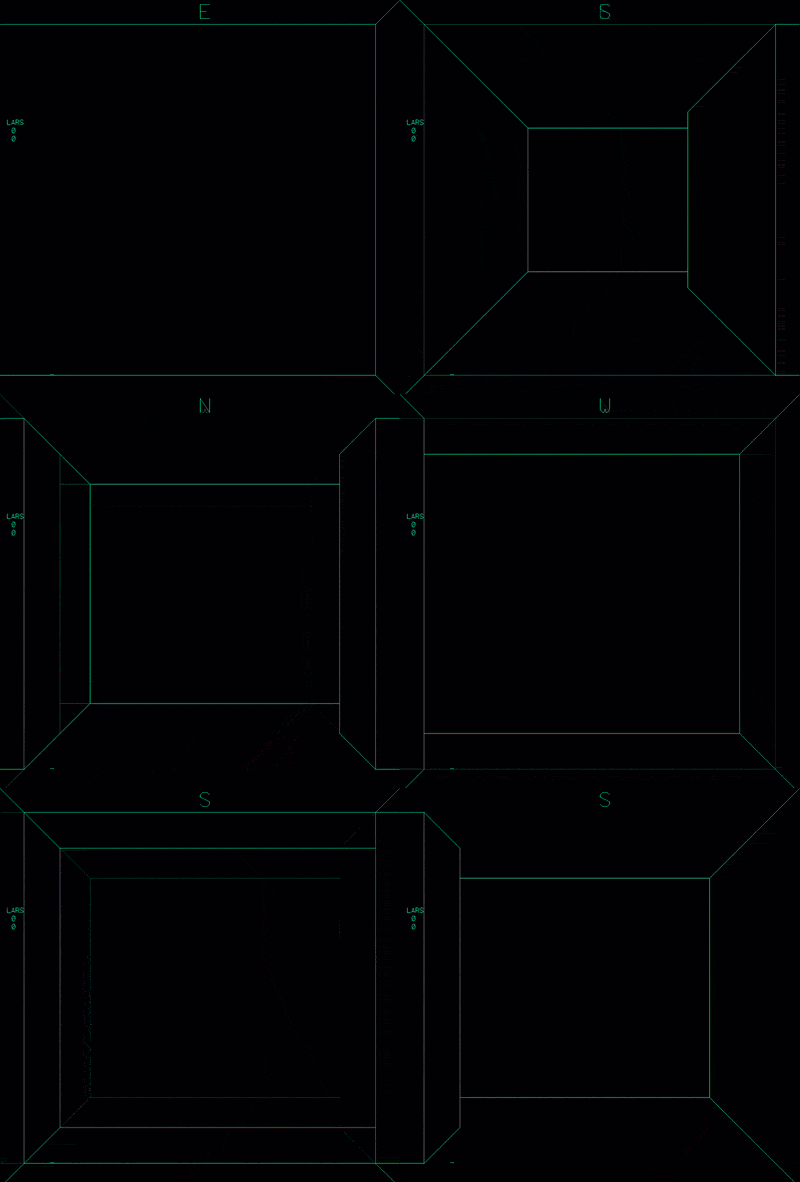
PDP-10 Maze War, as seen from the PiDP-1 very soon :-)
So with all this going on, we feel that the PiDP-1 has succeeded in bringing back to life a PDP-1 community.
But there is more. Matthias ported his ESP32 based PDP-1 project to the PiDP-1. A small shim PCB replaces the Raspberry Pi with a (much cheaper, and some will say much cuter) ESP32 microcontroller. This is the basis for much more, including a very flexible hardware I/O expansion. Yours truly needs to prepare himself for the next newsletter, to report on this properly. But for now: Youtube #1, Youtube #2, and look at this proper little typewriter keyboard for the PDP-1!
PiDP-11 news
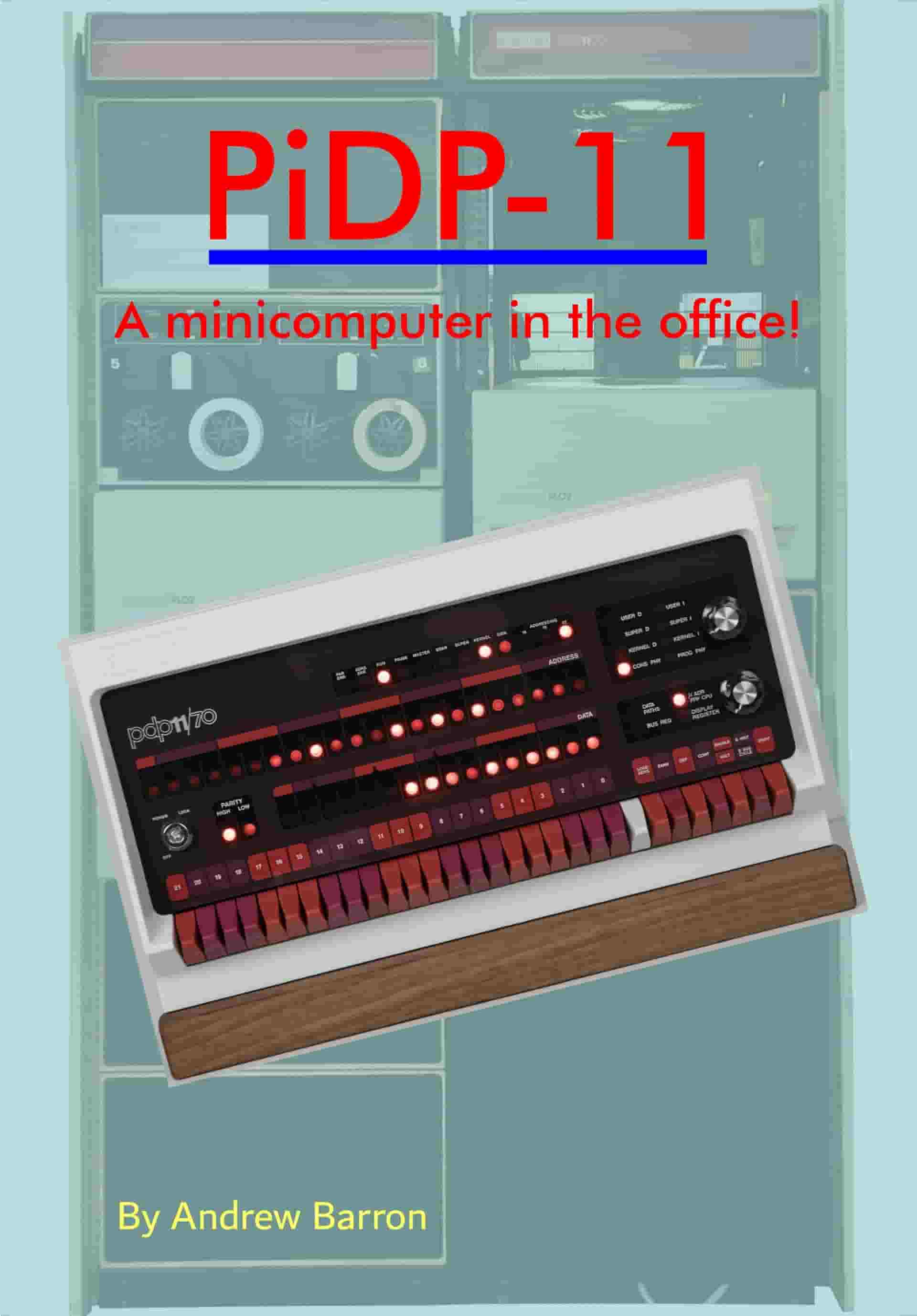
To add it to the PiDP-11, do
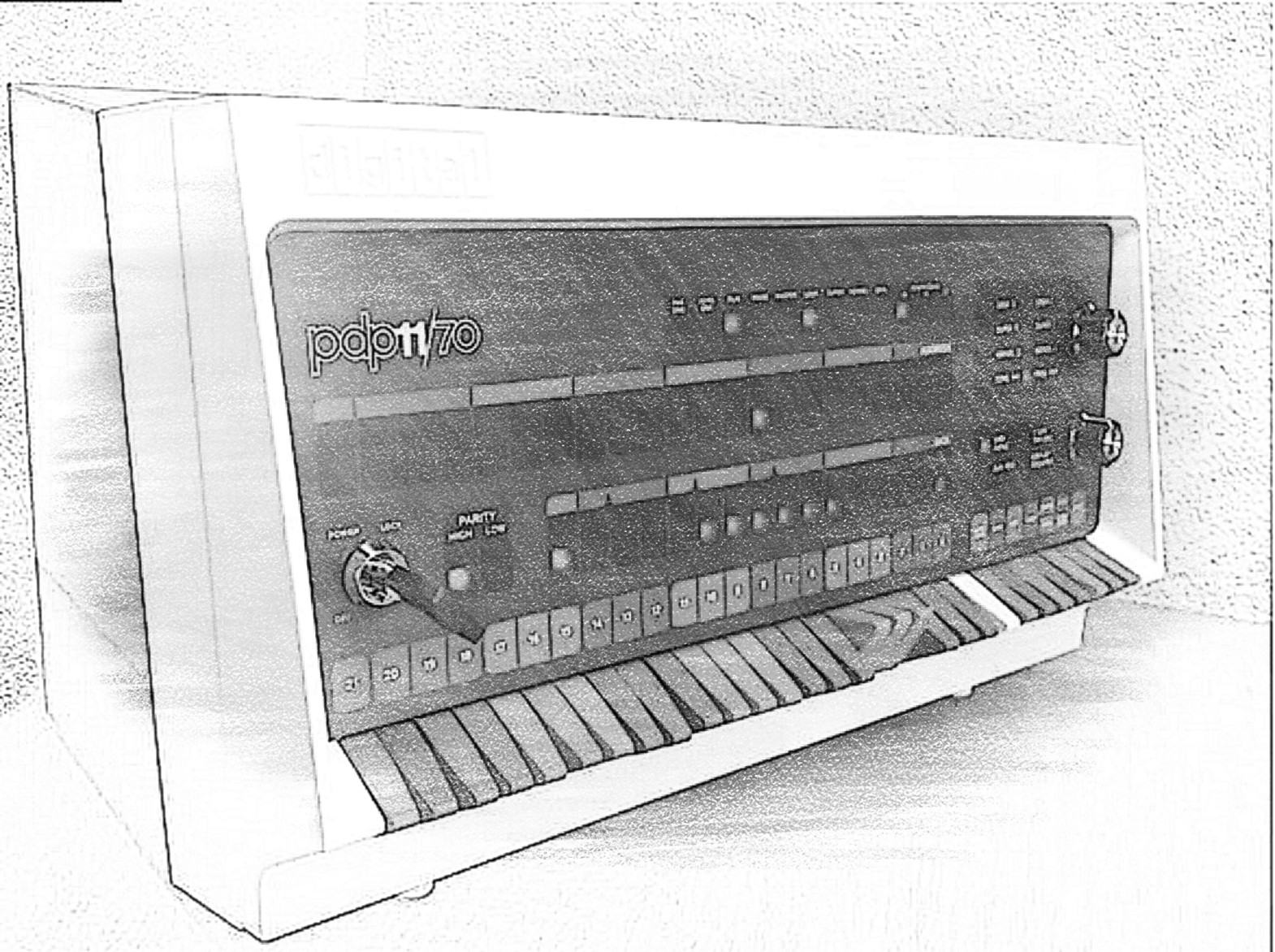
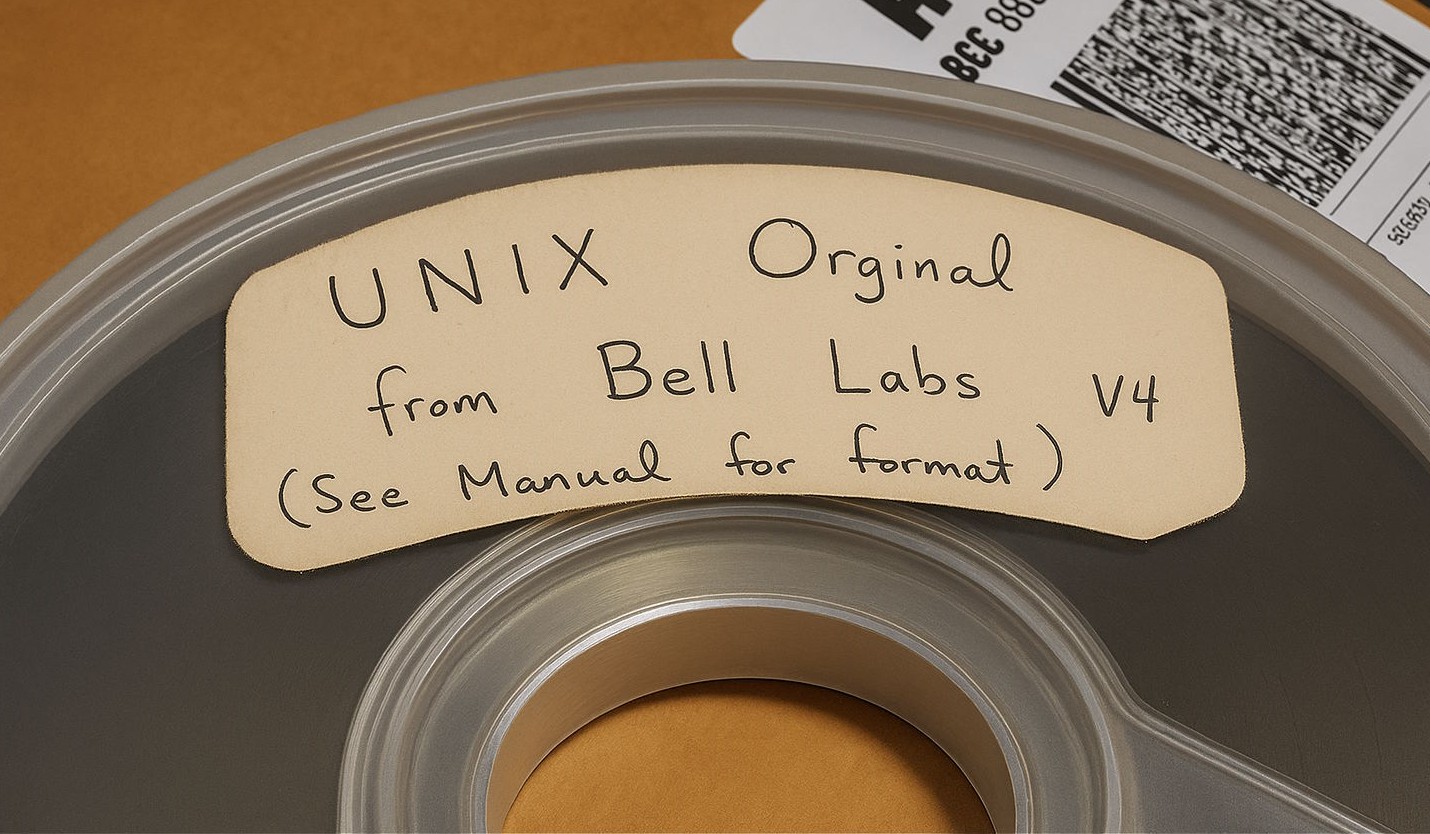
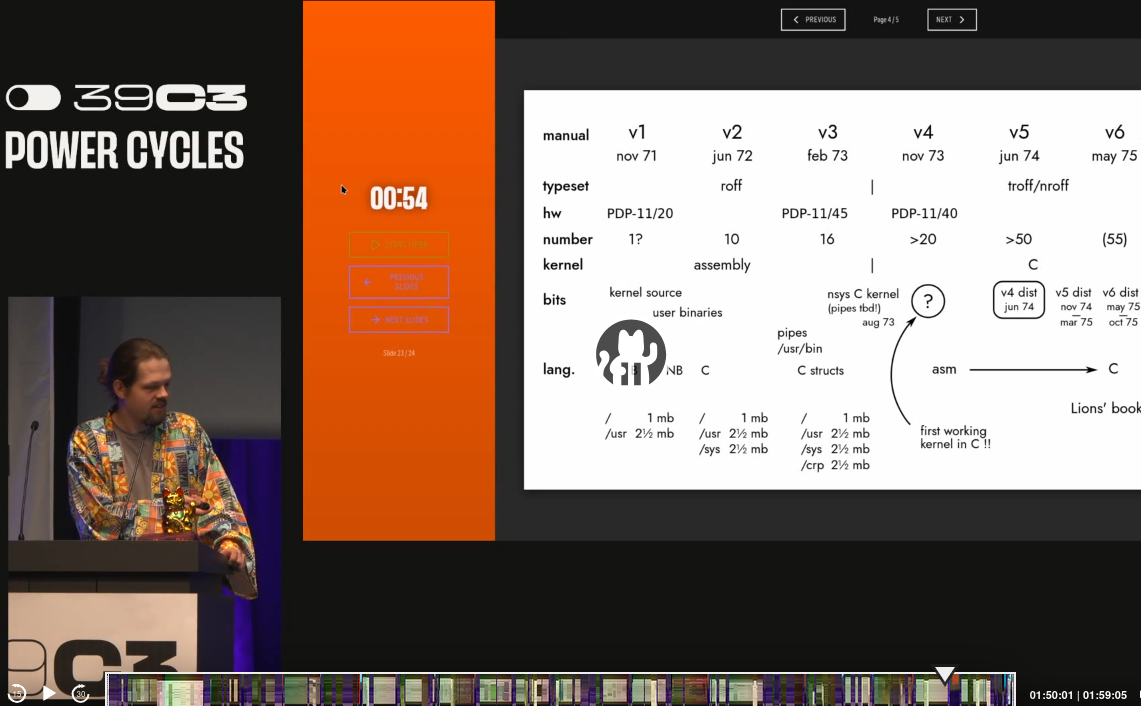
cd /opt/pidp11 and then git pull. Then, /opt/pidp11/install/install.sh, and answer Y to the question "Download and install the PDP-11 operating systems?". Warning: this overwrites and files you might have saved in PDP-11 disk images. But it adds 104 as the boot option for unix v4.
If you do not want the refresh all disk images, but just want to add unix v4, save and unzip this file into your /opt/pidp11/systems directory. Then, add a line "0104[TAB]unix4" to the text file /opt/pidp11/systems/selections. To boot, set the SR switches to 104 and reboot the PiDP-11 (depress the top rotary knob, if you forgot). Alternatively, just type
pdp11control start 104 to achieve the exact same result. pdp11 will get you into the PDP-11 console terminal, and in case you forgot: "Ctrl-A d" lets you jump out, back to the Pi's command line again. Remember... use chdir, not cd in ancient unices!
At boot, the PDP-11 will say nothing. Just hit
k, no return needed. Then type unix followed by a return. Login as root. To shut down, do the usual old-style sync[CR]sync[CR]sync[CR] and reboot the PDP-11.
You can install the pidp11 software on your laptop, too. Not many people know this. Just follow the regular install instructions. You probably want to say No to 'changing the desktop' and 'autostart the PDP-11 at boot'. Now, type
cp /opt/pidp11/bin/backupAmd64-binaries/* . to get the precompiled binaries for regular Intel/AMD processors. As you miss the front panel, start the PDP-11 with the command pdp11control start 102, for instance, to start op 211BSD. For the rest, everything is the same as on your PiDP-11.
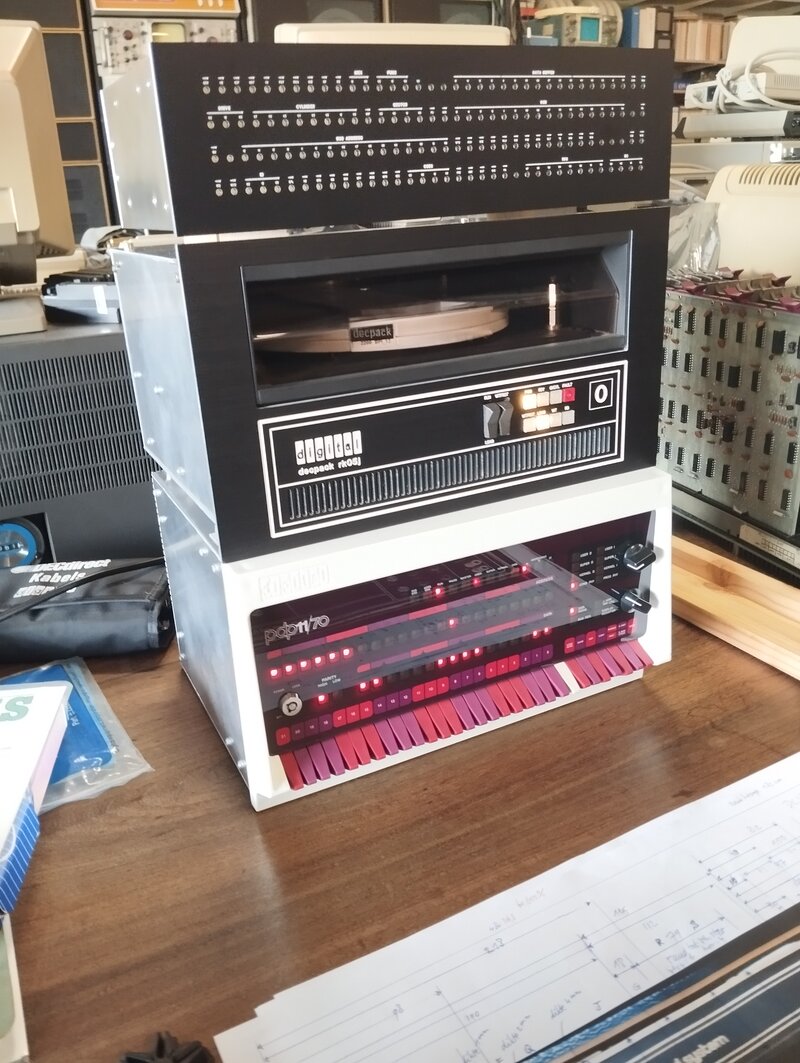
We are planning to make a full, proper PiDP-11 rack. This will take some time, but if you are interested, leave your email address on the project page (link). Also, see that page for more details, photos and videos.
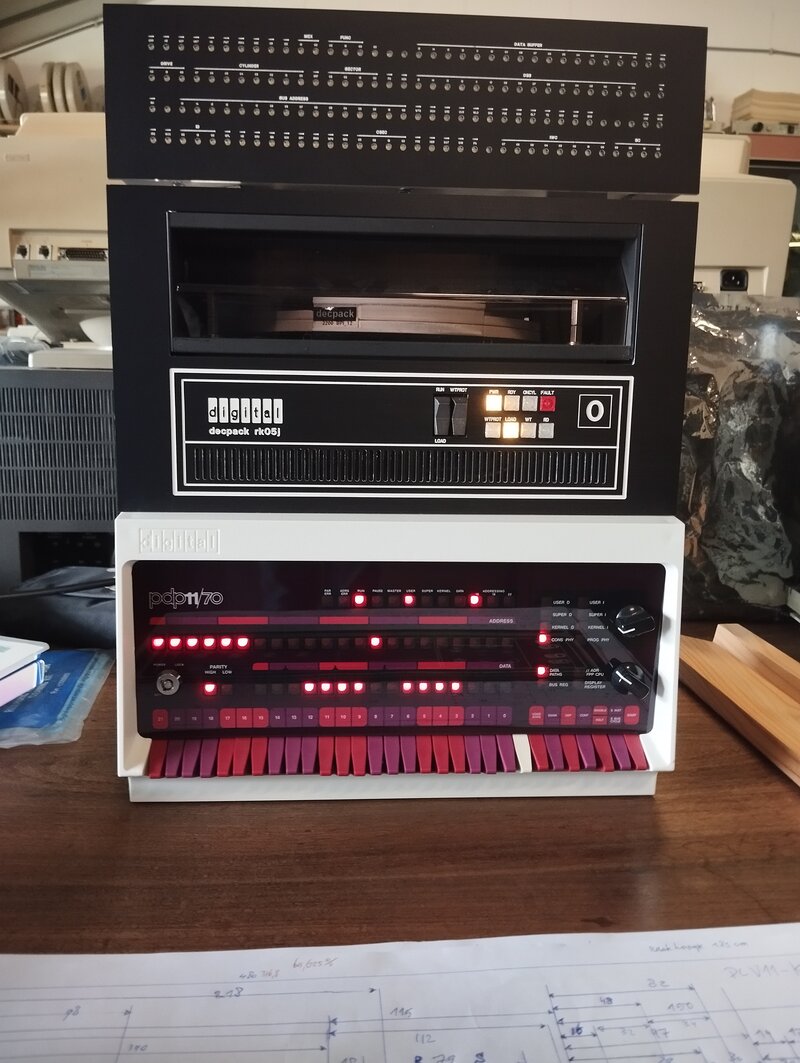
Prototype pictures so far
Source: Henk Gooijen
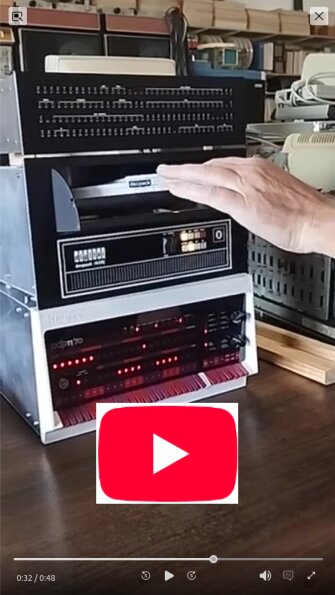
The RSTS operating system has not received too much attention. It is an interesting, surprisingly capable OS, however. In case you have missed it, there's a new RSTS Games Disk (link). And to get some background knowledge, RSTS Professional Magazine (link1) and (link2) are useful. In fact, this is a good place to start exploring from.
Henry Ducroc worked on something that we fantasized about at the beginning of the whole PiDP-11 project: have an alternative purpose for the PDP-11 front panel. This has been out for a year by now, but we were just late to pick up on it. See here, and here. A video is here, Henry uses the PiDP-11 front panel for
- monitor cpu/net/disk activity on various boxes
- home automation via home assistant
- a clock :)
PiDP-10 news
First, Rupert Lane made a new web site delving in to the PDP-10. Particularly useful for a gentle introduction into TOPS-10, which is an OS that has not seen much attention so far.
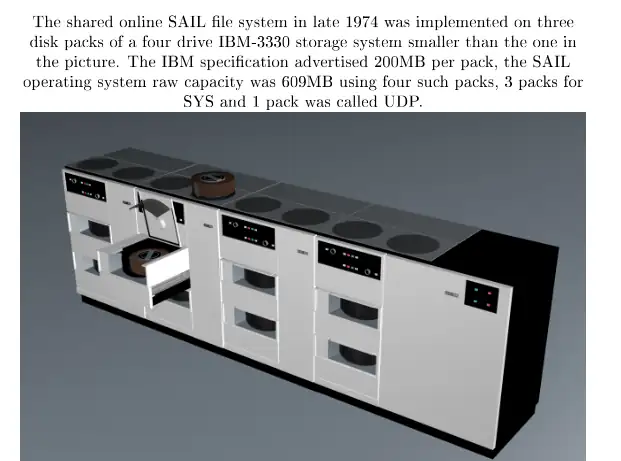
But the main news is the addition of Stanford SAIL's operating system, WAITS. Bruce Baumgart has recovered an amazing amount of data from the old tape archive; his Saildart.org web site is a treasure trove for anyone who wants to explore WAITs. Lars Brinkhoff, with the help from Rich Cornwell, then brought this on the pdp10-ka simulator (which is what the PiDP-10 runs on!). Three disk packs contain some 600MB of data; not just the operating system itself, but tons of user directories with interesting software.
The odd thing is that this is largely unexplored territory. Like many others, perhaps, yours truly was under the impression that the WAITS available was a bare-bones package. But it is perhaps as rich as ITS is! So this is an open invitation to explore where no retrocomputist has gone before: find out what's out there. Baumgart's web site is probably the place to start; and of course it contains the online WAITS user manual to get you along. More PDF manuals are here.
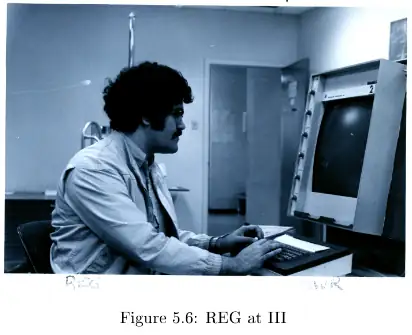
The system console teletype is the least attractive terminal into the Land Of WAITS. More interesting are the III and DD 'Data Disc' displays. Both will start up when you install WAITS into your PiDP-10. The simple way is to update the pidp10 software package (
git pull in the /opt/pidp10 directory will do it), and to re-run the install script. It has a new question for you: Install WAITS? That will download and install a tar.gz file with all the WAITS data in it. Set the SR switches to octal 4 (so set the 3rd switch from the right) and the PiDP-10 will boot up WAITS. You should use the Pi's USB keyboard/HDMI monitor instead of ssh'ing in to the PiDP-10, because this will bring up the DD and III terminal windows.
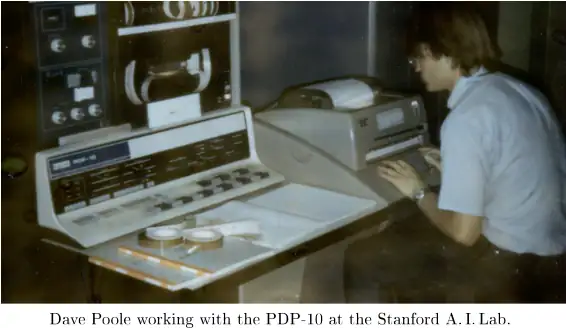
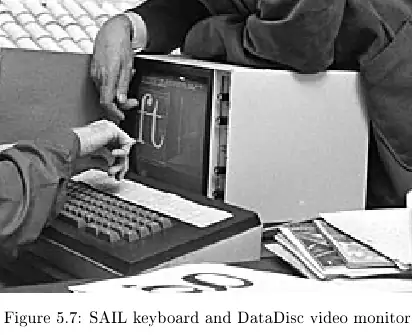
Baumgart wrote a book on the history of SAIL, WAITS & its PDP-10. We took the liberty of taking some photos from it to whet your appetite:
We know of only a few user logins so far. The default we use so far is
login 1,reg. On the other hand, login 1,bgb drops you in Bruce Baumgart's directory. Done on the III display terminal, type RUN ARMDPY and you see an early indication of WAITS awesomeness.
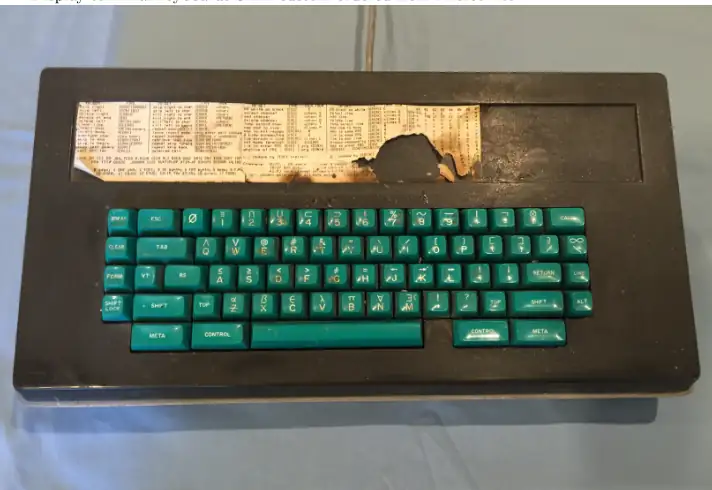
The Stanford keyboard used for both the DD and III terminals
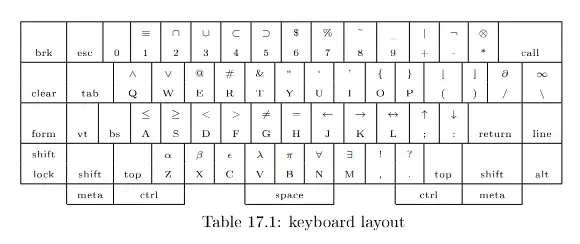
Not simple to emulate; it should be made as a replica :-)
Remember, all this was taken off a tape from 1974! We will have a growing manual page on WAITS soon. But we hope the PiDP-10 Google Group will flood with discoveries made within WAITS. There remains some work to be done, it must be said: the terminal keyboards require careful typing so as not to miss characters; the regular serial terminal multiplexer does not yet work (one serial terminal only) and crucially, the Arpanet NCP code does not yet want to play. We needed a front-end computer (well, Lars Brinkhoff's Linux-NCP) to get Stanford on the recreated Arpanet.
PiDP-8 news
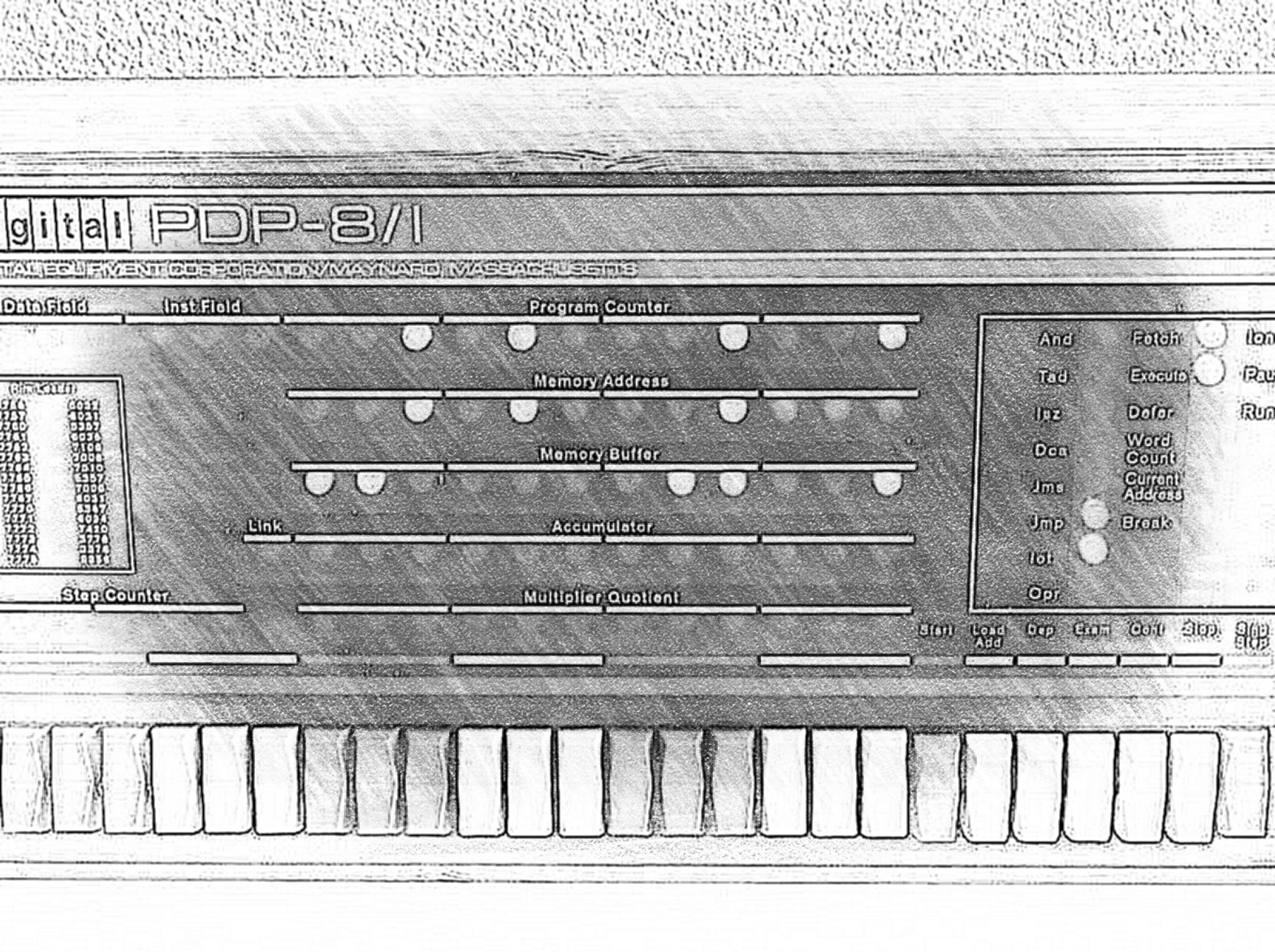
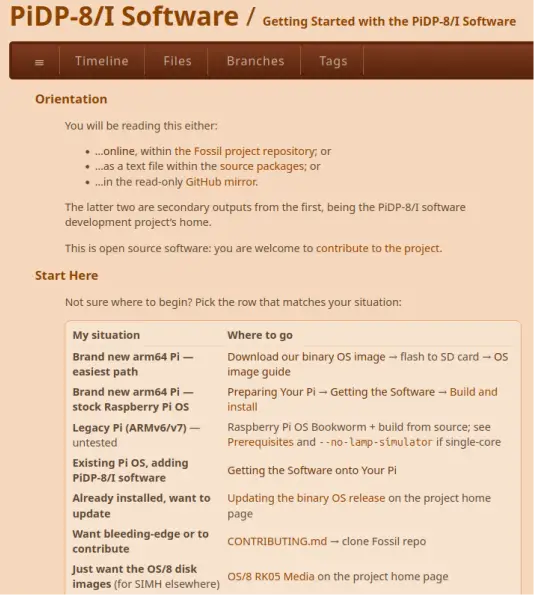
Bill Cattey's major software update is out! Hot off the press, the 2026 PiDP-8/I system software. Bill also provides a ready-made SD card image, here (272MB download though). There are many, many improvements, but the cycle-accurate simulation is the one that catches the eye. This requires a Pi 2, Pi Zero 2 or newer Pi. For older Pis, you can still use the previous software releases. More to come soon, this is hot off the press :-)
wget -O pidp8i.tar.gz https://goo.gl/JowPoC
tar xf pidp8i.tar.gz
cd ~/pidp8i
./configure && tools/mmake
sudo make install
Please visit the Tangentsoft PiDP-8/I pages. Over the years, a ton of useful and important things have accumulated there.
Modern Raspberry Pis are way too fast for a PDP-8 simulation. We suggest adding a line "SET THROTTLE 400K" to the simh config files. Or, to simply try it out when the PiDP-8 is running: hit Ctrl-E, type the Set Throttle line, then 'CONT' to continue at the newly capped speed. As an indication indication, that speed is roughly twice as fast as a real PDP-8/e - which is a luxury you can afford yourself without losing the realistic experience.
Blinky - enjoy coding on the PDP series
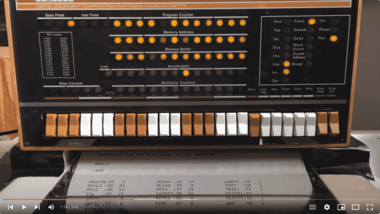
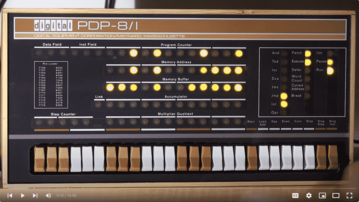
Mike Hill has written the Blinkenlights demo programs with which almost all PiDPs start up in default mode. Not only to let them start up in a harmless program that needs no shutdown procedure, or because they are decorative - because they are incredibly well-documented democoding projects with quite a bit of educational value.

We added a page dedicated to all the Blinkies (link). If you want to sniff out programming some small programs on any of the PDP series, you will enjoy the page. And if not programming - you will learn about the Easter Eggs hidden in them! When he came to visit PiDP Central in Switzerland, we took the opportunity to make a small Youtube video:
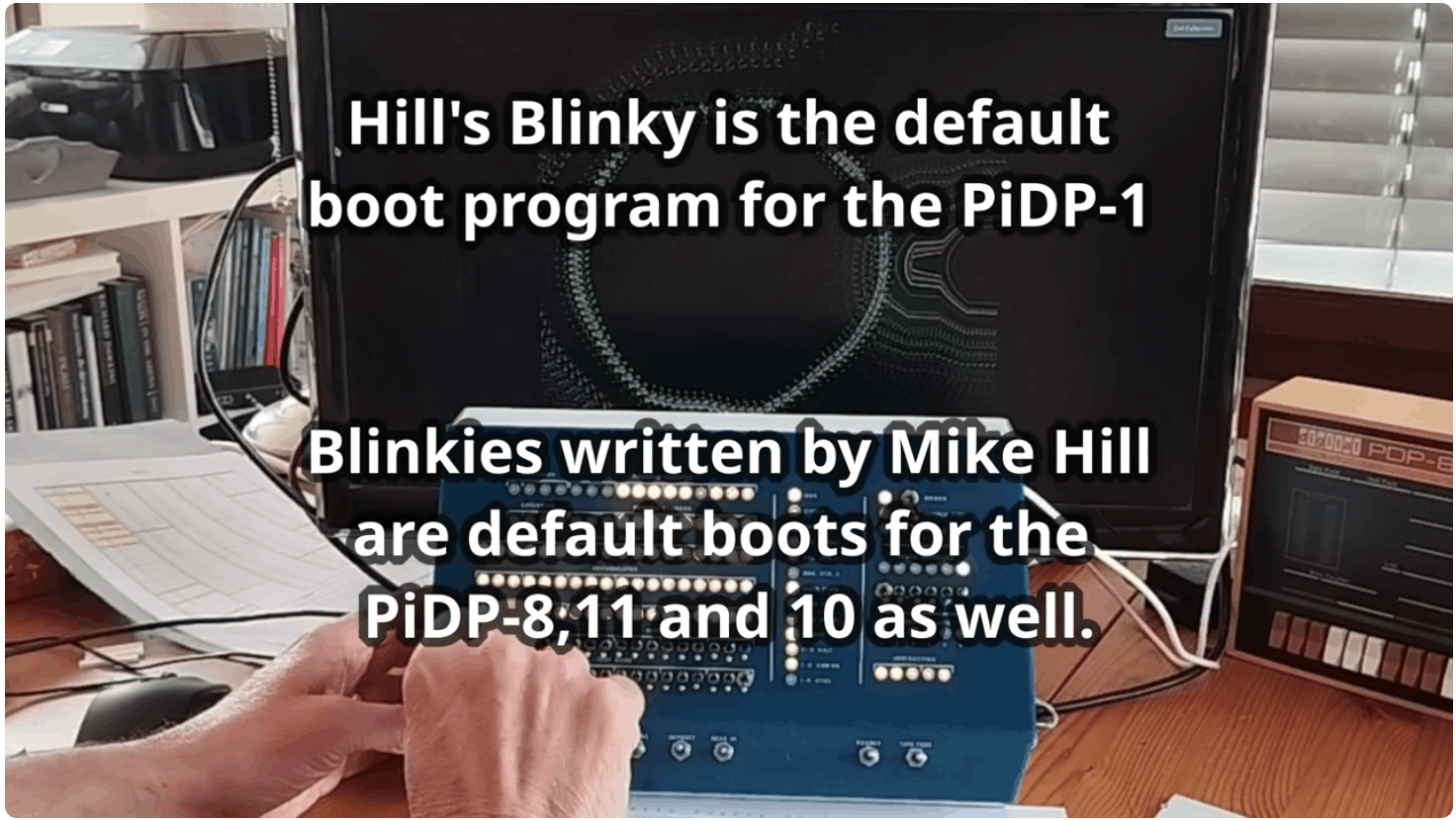
Mike talks about PDP-1 Blinky (click to play Youtube)
Thank you for reading! We look forward to writing the next 'quarterly' newsletter, hopefully still in 2026 :-).